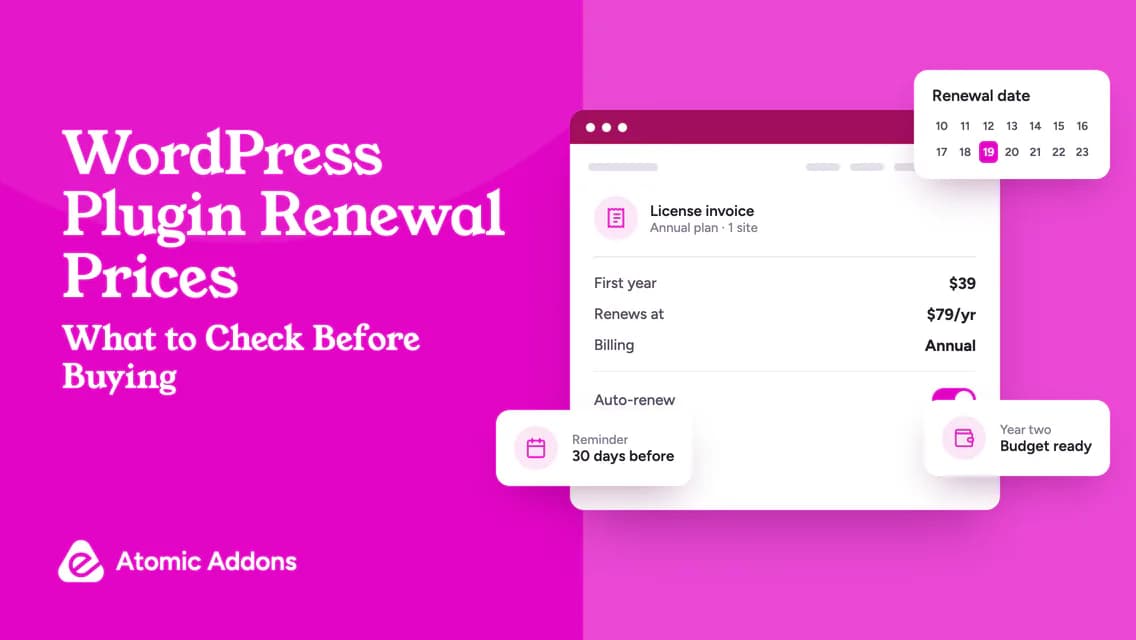
WordPress plugin renewal prices are easy to overlook when a promotion puts the first payment in large type. Business owners often discover the ongoing cost only when the next invoice arrives.
That creates a difficult choice if the website already depends on the plugin. Cancelling without understanding expiry behavior can disrupt editing or service access, while renewing everything automatically can keep paying for tools nobody uses.
Read the renewal terms before purchase and keep a simple entitlement calendar afterward. This guide explains how to separate introductory pricing from ongoing costs and make renew, downgrade or replace decisions deliberately.
Separate the sale price from the renewal price
A sale may apply only to the initial purchase. Read the product page, checkout and subscription terms to determine the next payment. If the wording does not identify it clearly, ask support.
Record whether the stated price is monthly, annual or for a different period. A monthly-looking equivalent may still require one annual payment. Check the charged currency, tax treatment and any usage-based additions.
Use the receipt as evidence of what you bought, but retain the relevant terms as well. A receipt may show the first charge without explaining a future renewal.
Calculate WordPress plugin renewal prices over several years
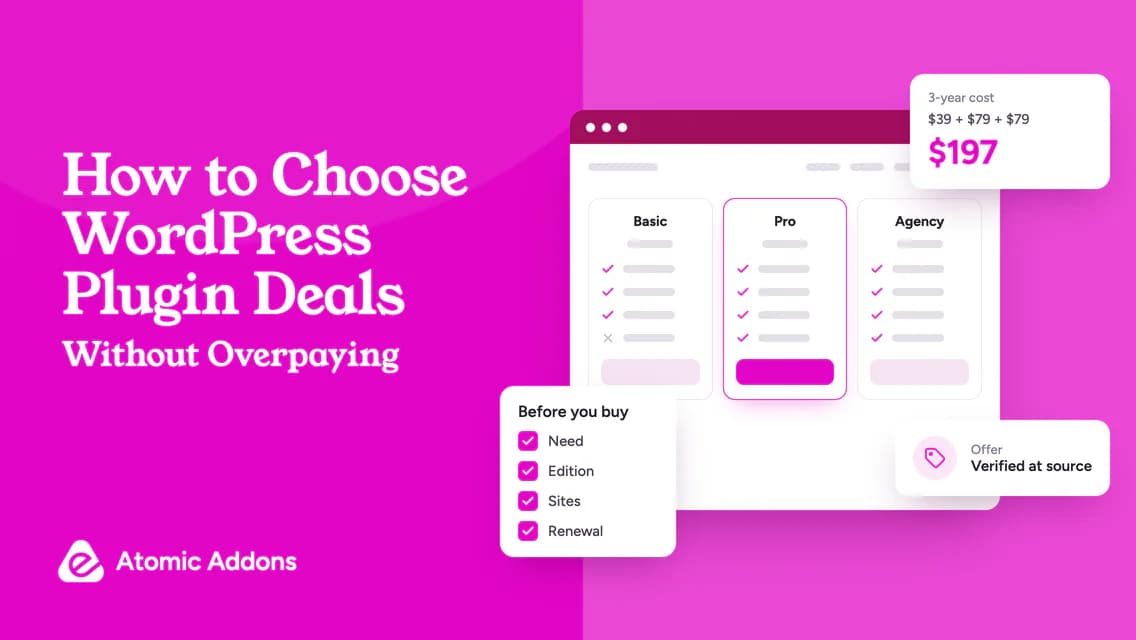
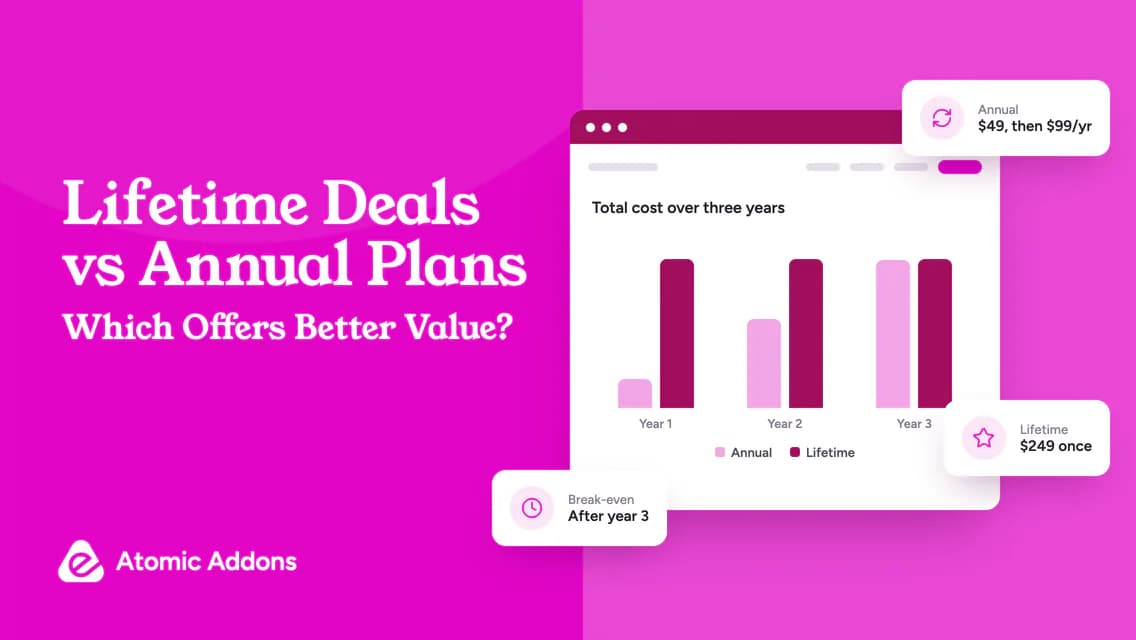
A hypothetical $49 introductory payment followed by $99 annual renewals costs $247 over three years. Dividing that total by three gives an average annual license cost of about $82.33.
That average helps compare alternatives, but it does not change the actual payment schedule. You still need $49 initially and $99 at each subsequent annual renewal, before any other charges.
For multiple products, build a schedule rather than one headline number. Two $99 renewals in the same month create a $198 payment requirement even if their annual cost seems manageable separately.
Keep examples separate from real prices. Do not fill an unknown renewal field with the current introductory amount just to complete a spreadsheet.
Understand what happens at expiry
There is no universal expiry behavior for premium WordPress plugins. Check update access, technical support, editing controls, downloads and connected services separately.
For example, Elementor explains the consequences of not renewing Pro. Use the developer’s current policy for that product rather than turning one vendor’s behavior into a rule for all plugins.
When documentation is unclear, ask a targeted question: “If this exact plan expires, can existing forms continue submitting and can editors modify them?” Save the answer with the subscription record.
Do not confuse permission to use software with continuing access to a developer’s update service or hosted infrastructure.
Check automatic renewal without assuming cancellation effects
Inspect the account’s billing settings soon after purchase. Find the renewal date, payment method and notification address. Make sure the responsible person will receive reminders.
Turning off auto-renewal, cancelling a subscription, requesting a refund and deleting an account can be different actions. Read the developer’s instructions before choosing one. You do not want to terminate a service accidentally while trying to prevent a future charge.
Elementor’s auto-renewal documentation is one product-specific example of where to check. Other sellers have different account controls and notice procedures.
Keep a practical renewal register
Use one row per subscription:
- Product and exact plan.
- Account owner and billing contact.
- Websites using the license.
- First payment and renewal basis.
- Next renewal date and billing interval.
- Auto-renewal status.
- Features or services affected by expiry.
- Review date and responsible person.
- Decision and supporting notes.
A useful internal policy is to review a renewal several weeks before payment. Choose a lead time that gives your team enough room to test alternatives; do not rely on a particular reminder email arriving.
For client work, distinguish agency-owned licenses from client-owned subscriptions. Do not cancel a shared agency plan based on one client’s usage.
Decide whether to renew, downgrade or replace
Renew when the tool remains necessary and the qualifying plan is appropriate. Downgrade when a smaller allowance or edition covers the actual use, if the seller permits it without losing needed functionality.
Replace only after testing the alternative and understanding migration costs. A lower renewal is not a saving if changing the tool requires extensive rebuilding and produces a worse result.
If the plugin is no longer used, check dependencies and follow a safe removal process. WordPress documents plugin management, but each product may also require its own data-export or cleanup steps.
The Atomic Addons homepage can help you reassess whether its current capabilities still match your Elementor work. For promotions, inspect current plugin offers and check renewal eligibility separately; a new-customer deal may not apply to your account.
A support message you can reuse
“Please confirm the renewal amount or pricing basis for [plan], its next billing date and the services affected if I do not renew. I currently use it on [number] production sites. Does this promotion apply to my renewal, and would changing the site allowance affect existing activations?”
This message addresses the decision without demanding a discount. Resolve the terms before deciding whether a promotion changes the economics.
Frequently asked questions
Why is the renewal higher than the first payment?
The initial purchase may include a temporary or new-customer discount. The renewal may use a different price under the plan’s terms. Check the checkout disclosure and subscription record, then ask the seller to clarify any discrepancy before assuming either amount is an error.
Does disabling auto-renewal remove the plugin?
Not necessarily. Billing controls and installed software are different systems, but the services affected depend on the developer’s policy. Read the cancellation instructions carefully and confirm whether access continues to the end of the paid term. Avoid treating auto-renewal, refund and account deletion as interchangeable actions.
Can I use a sale coupon on a renewal?
Only if the offer permits it and the checkout accepts it for that subscription. Some promotions are limited to initial purchases or upgrades. Ask about renewal eligibility directly and compare the full terms. Do not cancel a working license on the assumption that repurchasing will preserve every entitlement.
Should I renew a plugin that has no recent updates?
Evaluate why it remains installed, its compatibility, its maintenance status and the developer’s support response. Release frequency alone is not a complete quality measure. If the tool is critical, investigate uncertainty before the renewal and plan a tested replacement if continued support cannot be established.
Who should pay renewals on a client website?
That should be defined in the service agreement. The client may own the subscription directly, or an agency may include eligible licenses within an ongoing care plan. Document account ownership, billing responsibility and the handover procedure so neither side has to guess when a charge is due.
How can I find a renewal amount that is not shown clearly?
Check the account subscription record, original checkout disclosure and applicable plan terms, then ask the seller for clarification. Record the amount or calculation basis and next billing date. Leave the field marked unknown until confirmed rather than treating today’s promotional price as evidence of a future charge.
Should I keep renewing a plugin I no longer use?
First check whether any pages, data or integrations still depend on it. If the function has genuinely been retired, review cancellation and removal steps before stopping payment. Make the decision from a verified inventory, not from an unfamiliar plugin name or a lack of recent visible activity.
How should I handle a renewal after changing the number of sites?
Compare active production usage with the plan allowance and ask about an eligible downgrade or upgrade. Check how the change affects existing activations and when new pricing applies. Do not alter a shared license based on one website without accounting for the other projects that depend on it.
Does an expired payment card cancel a plugin subscription?
Do not rely on payment failure as a cancellation method. Check the seller’s billing process and use the documented cancellation controls if that is your intention. Resolve the account status explicitly so you understand future charges, outstanding notices and which entitlements may be affected.
What information should I give a client before renewal?
Provide the product, covered websites, renewal basis, due date and the function the license supports. Explain the verified consequences of non-renewal and any practical alternative. Keep credentials separate, and obtain a clear decision from the responsible owner rather than assuming silence authorizes a change to an essential service.
Conclusion: Make the next payment visible now
WordPress plugin renewal prices become a problem when the first-year discount is the only amount you record.
Unplanned renewals can pressure the budget, while rushed cancellations can leave essential features or service entitlements uncertain. Neither outcome helps a website that already relies on the tool.
Keep a renewal register, verify expiry behavior and review each subscription before payment. That turns renewal from an unwelcome surprise into a planned decision about software your website still needs.