
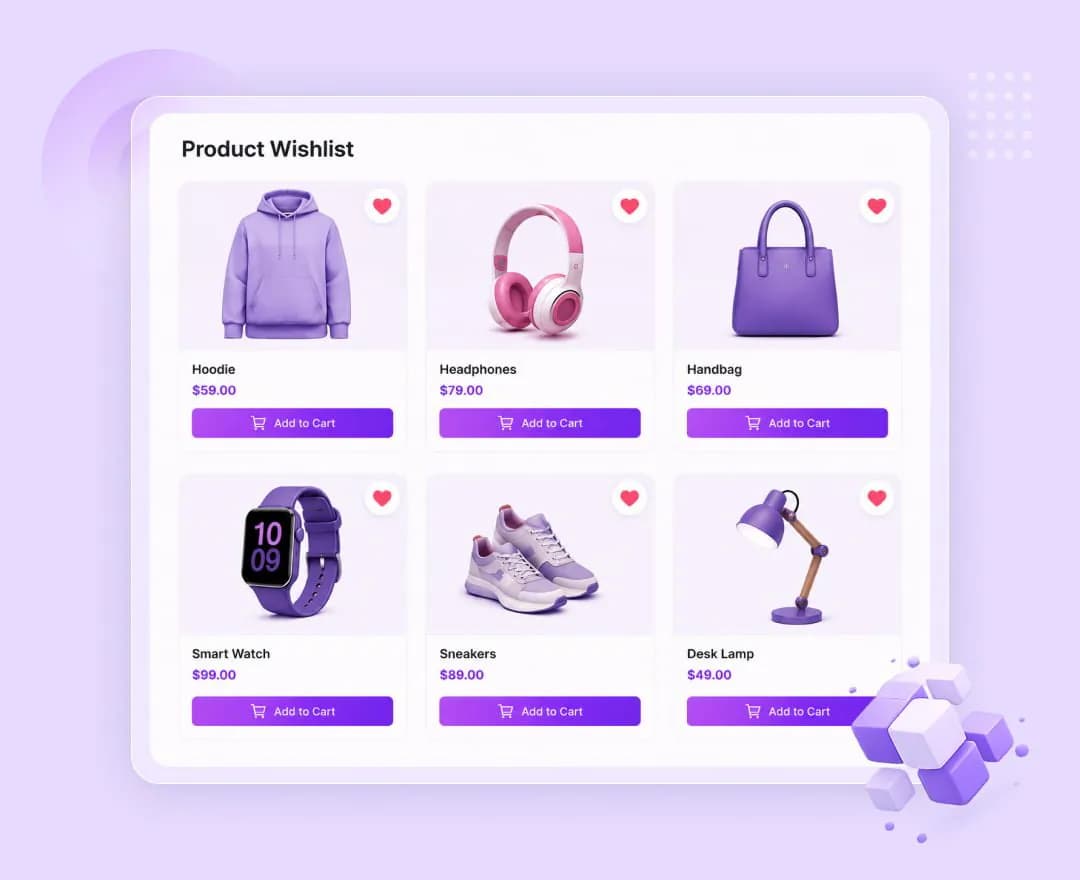
Save from anywhere
The button appears on product cards in the shop loop and after add-to-cart on the product page — both placements are independent toggles.
Placed where it belongs
In the loop the button can sit over the product image, or before or after the add-to-cart button, so it fits the card design instead of fighting it.
A real wishlist page
Point the buttons at your own page built with the shortcode, or use the My Account tab — both can run at the same time.
Quiet feedback
The button swaps to a second label once a product is saved, with an optional toast when items are added or removed.
These are the actual options in the plugin — no roadmap items, no “coming soon”.
Wishlist button
- Button label, and the label shown after adding
- Show on shop and archive pages
- Position in loop — over the image, before or after add-to-cart
- Show on single product pages
- Show add and remove notices as a small toast
Wishlist page
- Primary wishlist URL used by the buttons
- Wishlist page — pick any page holding the shortcode
- Show a Wishlist tab in My Account, at /my-account/wishlist/
Shortcode
- [atomel_wishlist] renders the saved list on any page
- Works alongside the My Account tab rather than replacing it
Considered purchases
Furniture, electronics and anything else shoppers research over several visits before they commit.
Large catalogs
When a category runs to hundreds of products, a wishlist is how a shopper narrows it down to a shortlist.
Return-visit revenue
A saved list gives customers a reason to come back, and gives you a page that already knows what they want.
Product Wishlist is one of 13 WooCommerce extensions bundled inside Atomic Addons — no separate plugin, no separate licence.
All WooCommerce extensions- Shortcode
- [atomel_wishlist]
- Placements
- Shop loop and single product
- Loop positions
- Over image, before or after add-to-cart
- My Account
- /my-account/wishlist/
Build what clients imagine
Design without limits and deliver client-ready websites with full control over every detail on every device.