

WooCommerce Extensions
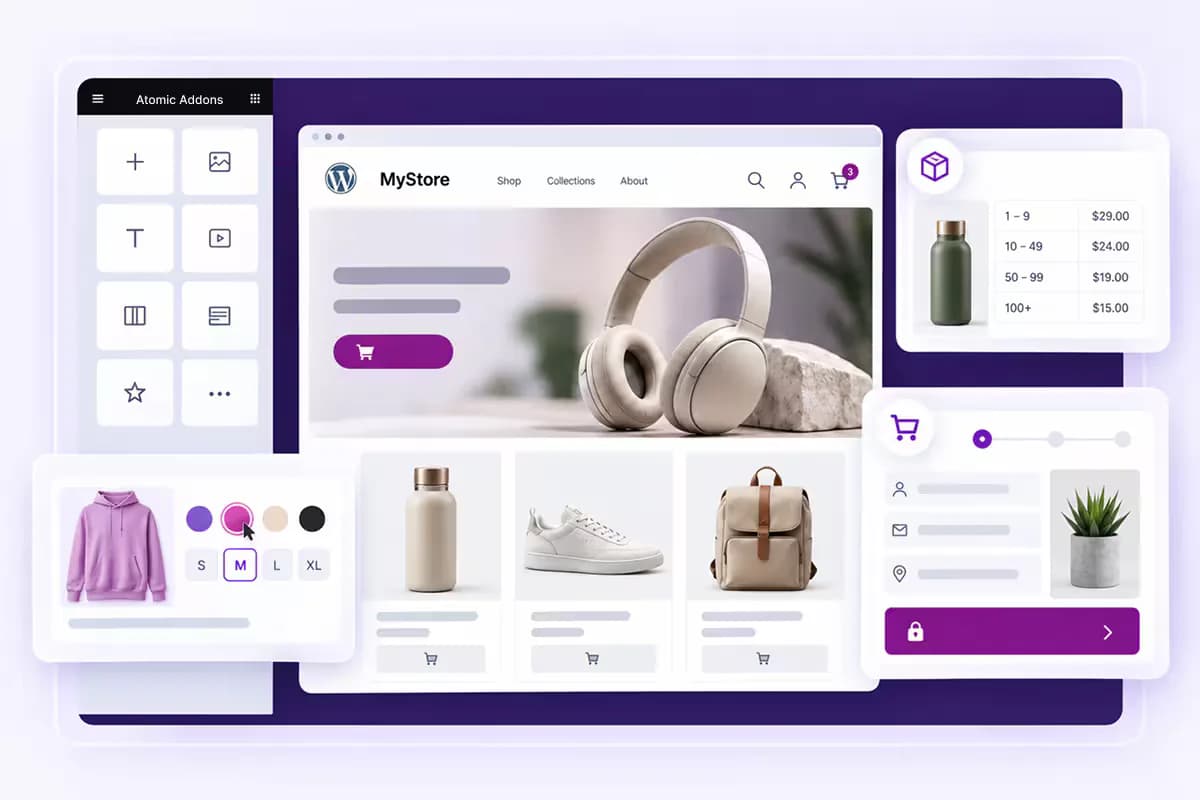
Atomic Addons includes WooCommerce extensions for managing subscriptions, wholesale pricing, checkout, and product options. Add recurring payments, role-based pricing, sales notifications, and variation swatches to your WordPress store through one plugin.
- WooCommerce Subscriptions: Sell products on recurring billing cycles and manage renewals.
- Role Based Pricing: Set different prices for wholesale, retail, and other user roles.
- One Page Checkout: Combine product selection and WooCommerce checkout on one page.
- Sales Notifications: Display purchase popups using your store’s order data.
- Variation Swatches: Replace dropdowns with color, image, and button swatches.
Live Copy Paste
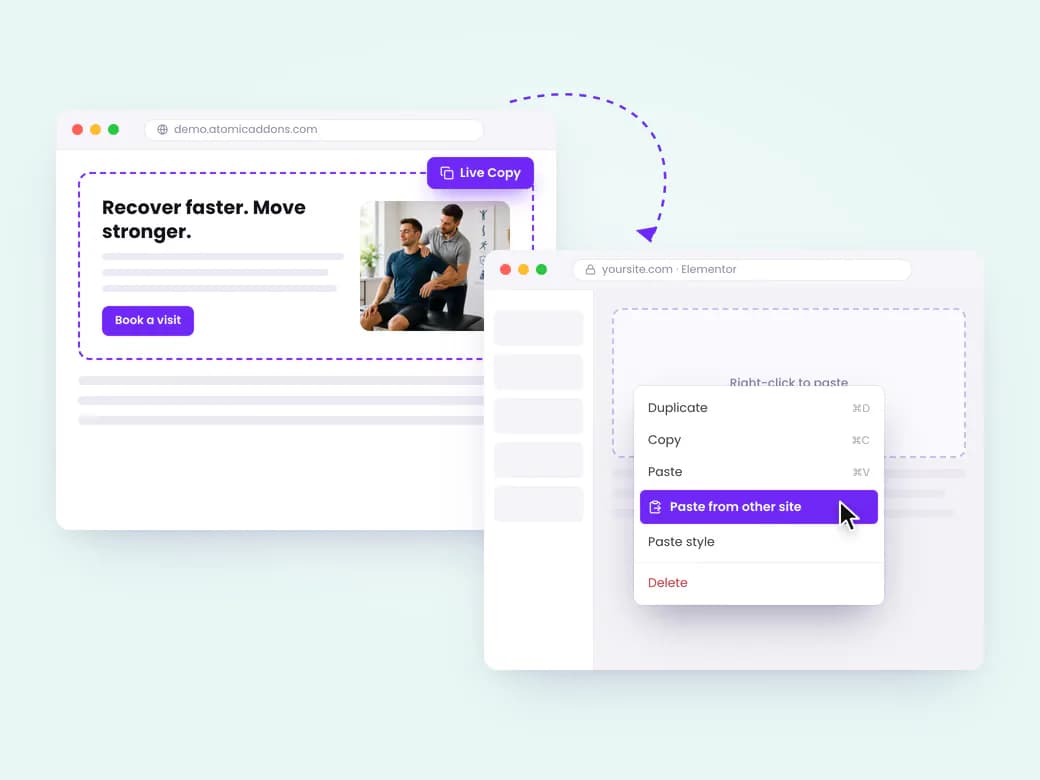
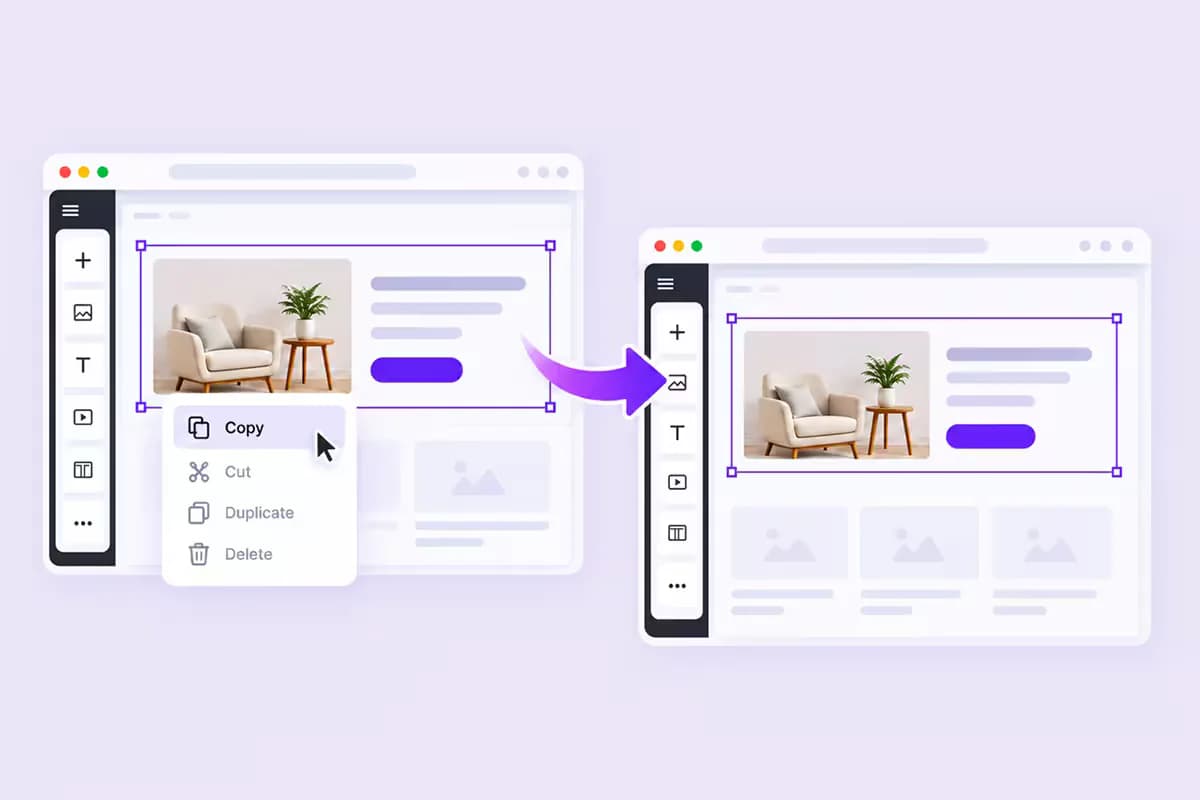
Copy and paste Elementor content between pages or WordPress websites with Atomic Addons. Transfer widgets, containers, and full sections while keeping their styles, settings, and nested elements intact. Reuse your designs without exporting or importing template files.
- Cross-Site Copy Paste: Transfer Elementor content between sites running Atomic Addons.
- Preserved Styling: Keep widget settings, styles, and nested elements intact.
- Flexible Selection: Copy a single Elementor widget or a complete page layout.
- Free Access: Included in the WordPress.org plugin without a Pro license.
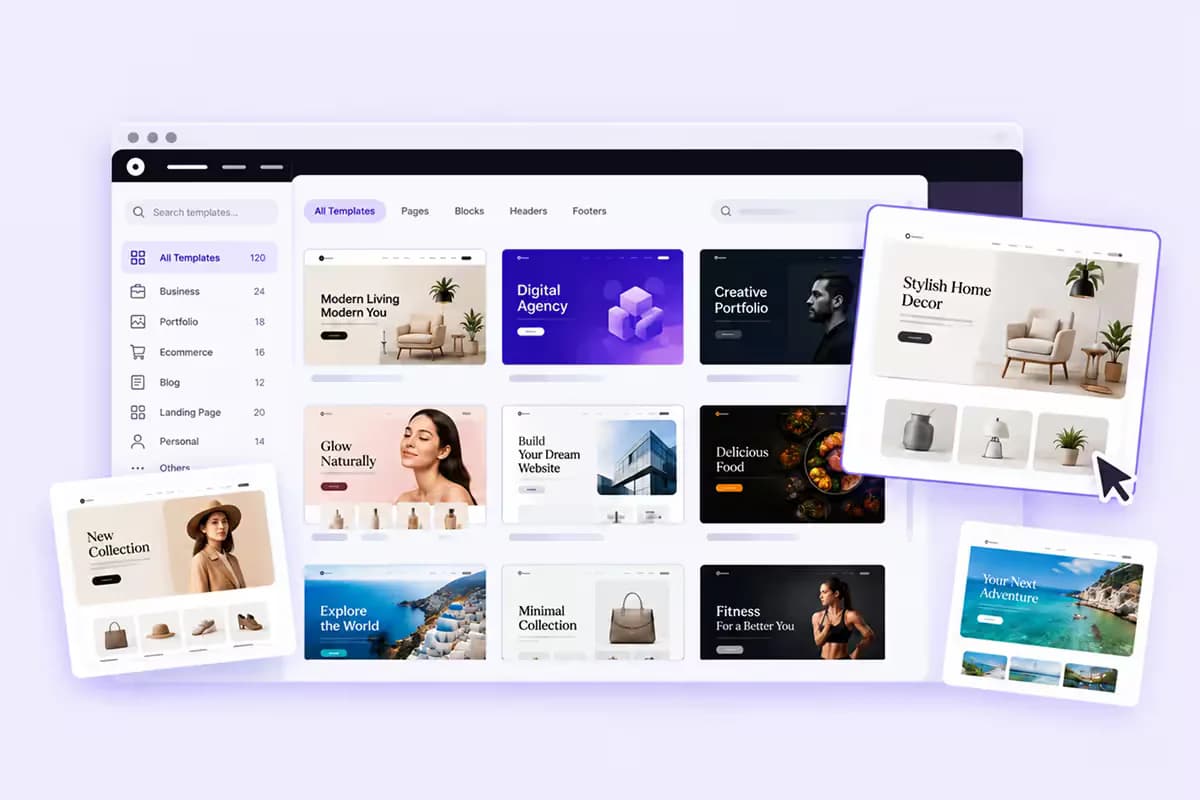
Template Library
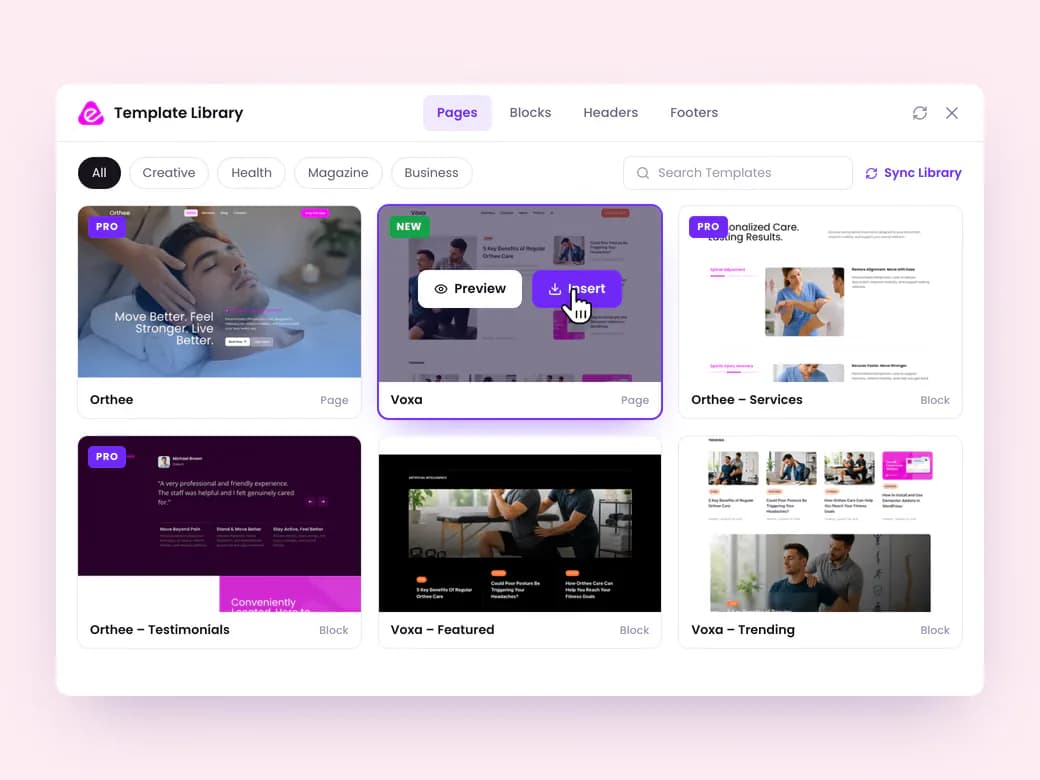
Atomic Addons provides ready-made Elementor templates for complete pages and individual sections. Import layouts directly into the Elementor editor, then customize the content and styling for your WordPress website. Start with a finished design and make it your own.
- One-Click Import: Add Elementor templates without leaving the editor.
- Reusable Layouts: Choose full pages, hero sections, pricing tables, and feature blocks.
- Editable Templates: Customize text, images, colors, and spacing to match your brand.
- Flexible Page Design: Combine reusable sections to create your WordPress layouts.

Theme Builder
Create custom WordPress templates with the Elementor Theme Builder in Atomic Addons. Design headers, footers, blog archives, single posts, and WooCommerce product pages visually, then choose where each template appears on your website.
- Header & Footer: Design site-wide layouts or assign them to selected templates.
- Post Templates: Customize single posts, archives, categories, tags, authors, and dates.
- WooCommerce Templates: Design single product and product archive layouts.
- Custom Post Types: Create reusable templates for your WordPress content types.

Speed & Performance
Manage Elementor performance with widget controls and the Assets Manager in Atomic Addons. Disable unused widgets and extensions to reduce unnecessary CSS and JavaScript, keeping your WordPress pages focused on the features they need.
- Widget Controls: Enable or disable individual widgets and extensions.
- Asset Loading: Load plugin scripts and styles where they are needed.
- Lighter Pages: Reduce CSS and JavaScript from unused plugin features.
- Performance Settings: Adjust plugin assets as your website requirements change.

Mega Menu Builder
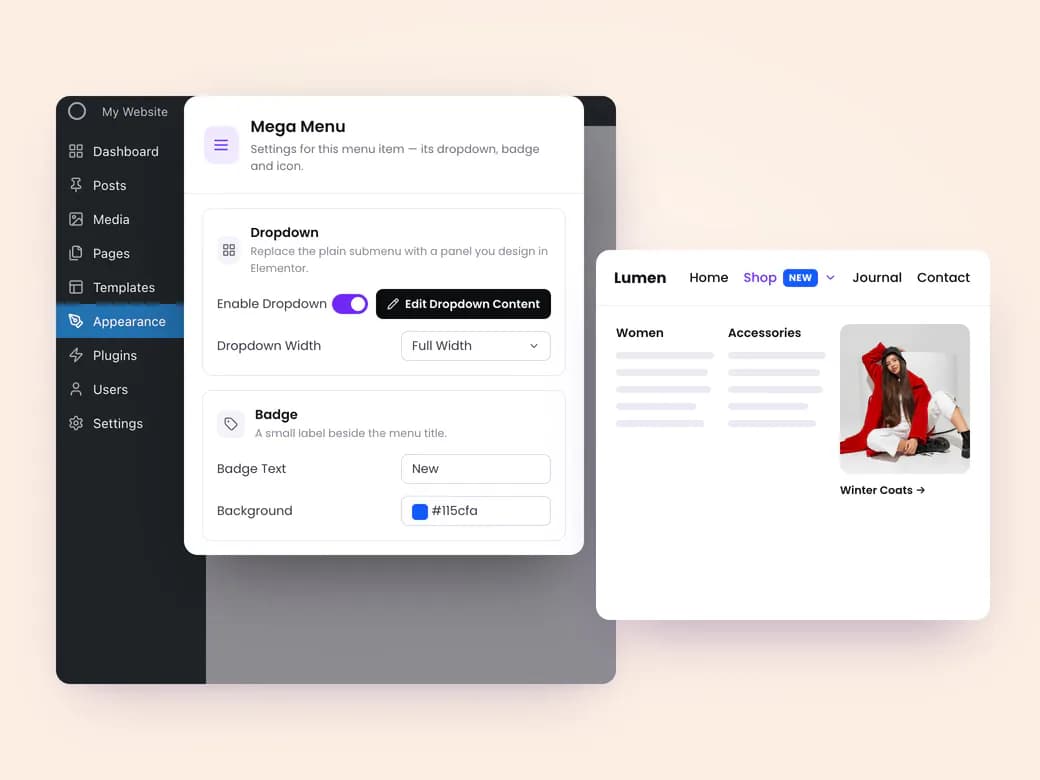
Create an Elementor mega menu with Atomic Addons. Add images, product grids, forms, and icon lists inside dropdown panels. Choose horizontal or vertical navigation, with responsive hamburger and off-canvas menus for mobile visitors.
- Menu Layouts: Choose horizontal or vertical website navigation.
- Sidebar Navigation: Add a vertical toggle for collapsible menus.
- Mobile Menus: Configure responsive hamburger and off-canvas layouts.
- Menu Widgets: Customize dropdowns with Mega Menu and Sub Menu widgets.

WooCommerce Widgets
Customize your store with 33 WooCommerce widgets for Elementor. Arrange product grids, carousels, and sliders, then design cart, checkout, account, order, and single product layouts to match your brand with Atomic Addons.
- Product Listings: Add product grids, carousels, sliders, categories, and mini cart widgets.
- Store Pages: Customize My Account, cart, checkout, and order layouts.
- Product Pages: Design galleries, prices, tabs, and related product sections.
- Reusable Templates: Connect widgets with Theme Builder for consistent catalog layouts.
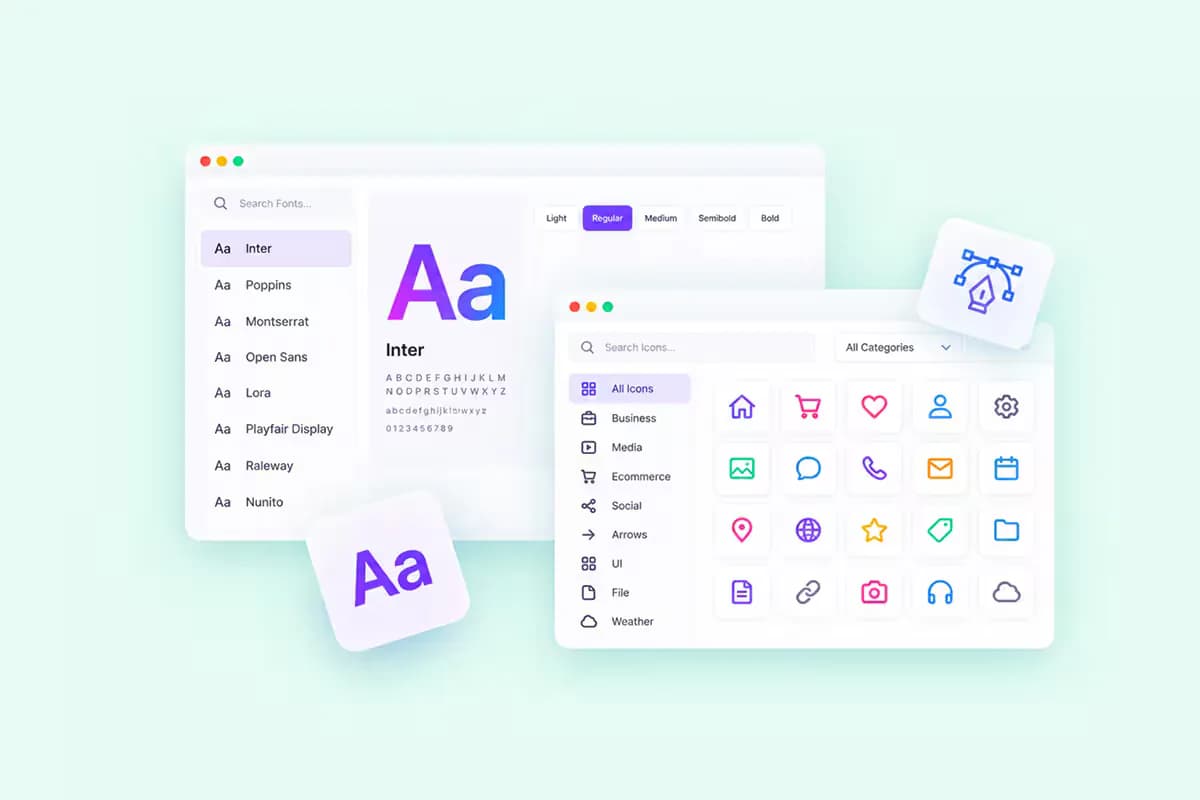
Custom Fonts & Icons Library
Add custom fonts to Elementor and keep your WordPress typography consistent. Upload font files for each weight and style, then import icon packs from IcoMoon, Remix Icon, or IcoFont. Select your assets directly from Elementor’s font and icon controls.
- Custom Fonts: Upload the font weights and styles your website needs.
- Web Font Formats: Use supported formats, including WOFF2 and WOFF.
- Custom Icons: Import IcoMoon, Remix Icon, and IcoFont collections.
- Self-Hosted Assets: Serve uploaded fonts and icons from your WordPress site.
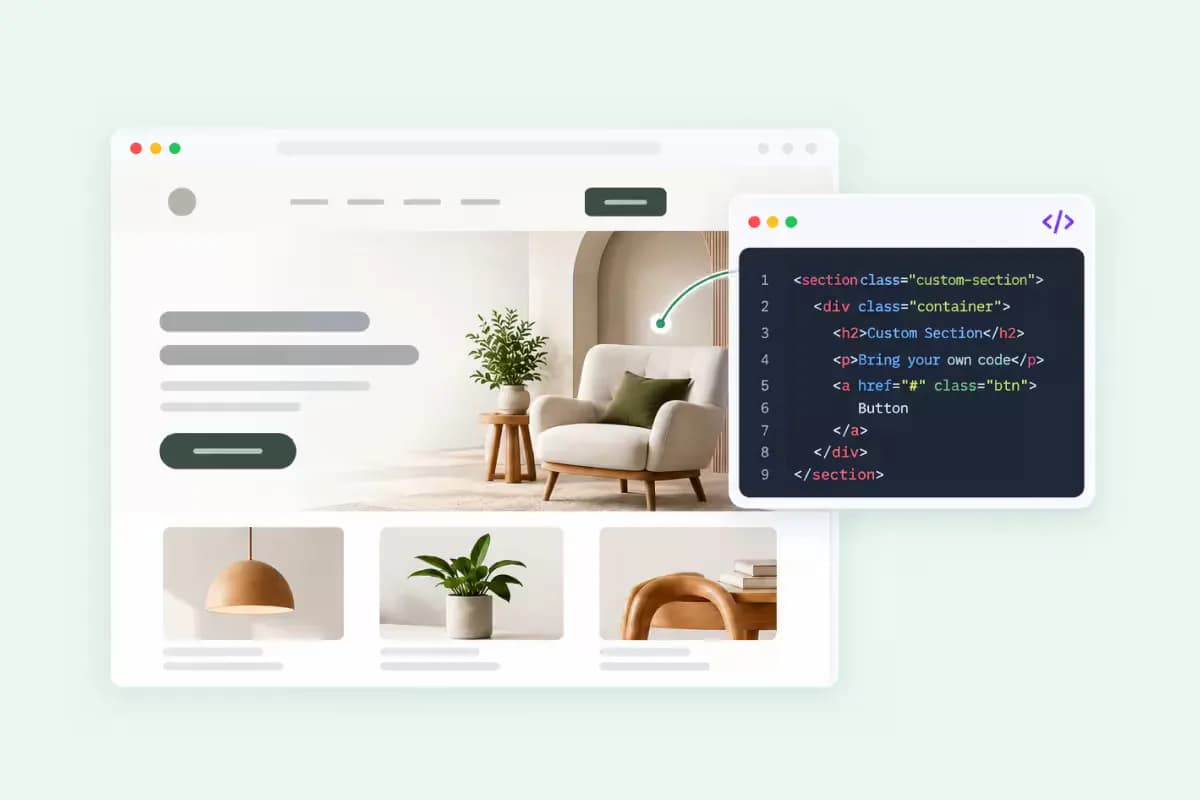
Custom Code
Add custom code to WordPress with Atomic Addons. Insert HTML, CSS, JavaScript, and tracking snippets through header and footer settings. Connect analytics, verification tags, marketing pixels, and chat widgets without editing your theme files.
- Header & Footer Code: Choose where your custom snippets load.
- Tracking Integrations: Add analytics, marketing pixels, and verification tags.
- Theme Independence: Keep snippets separate from files replaced during theme updates.
- Simple Management: Add code without a child theme or FTP access.

Post / Dynamic Widgets
Display WordPress content with 32 Elementor post and dynamic widgets. Create post grids, carousels, timelines, and news tickers that pull from your published entries. Reuse content across your website without manually updating each layout.
- Post Layouts: Choose grids, lists, carousels, sliders, cards, tabs, and galleries.
- Content Widgets: Add timelines, news tickers, and a table of contents.
- Single Post Widgets: Display titles, content, comments, featured images, and post details.
- Query Controls: Select content by category, tag, author, and custom taxonomy.

Dynamic Tags & Content
Connect Elementor dynamic content to WordPress posts, custom fields, and WooCommerce data. Atomic Addons uses dynamic tags to populate text, images, and links, so one reusable template displays the relevant information for each entry.
- 79 Dynamic Tags: Access post, WooCommerce, ACF, user, and site data.
- Custom Field Integration: Connect Advanced Custom Fields and custom post types.
- Dynamic Settings: Populate supported text, images, links, and backgrounds.
- Reusable Templates: Apply one layout across multiple content entries.
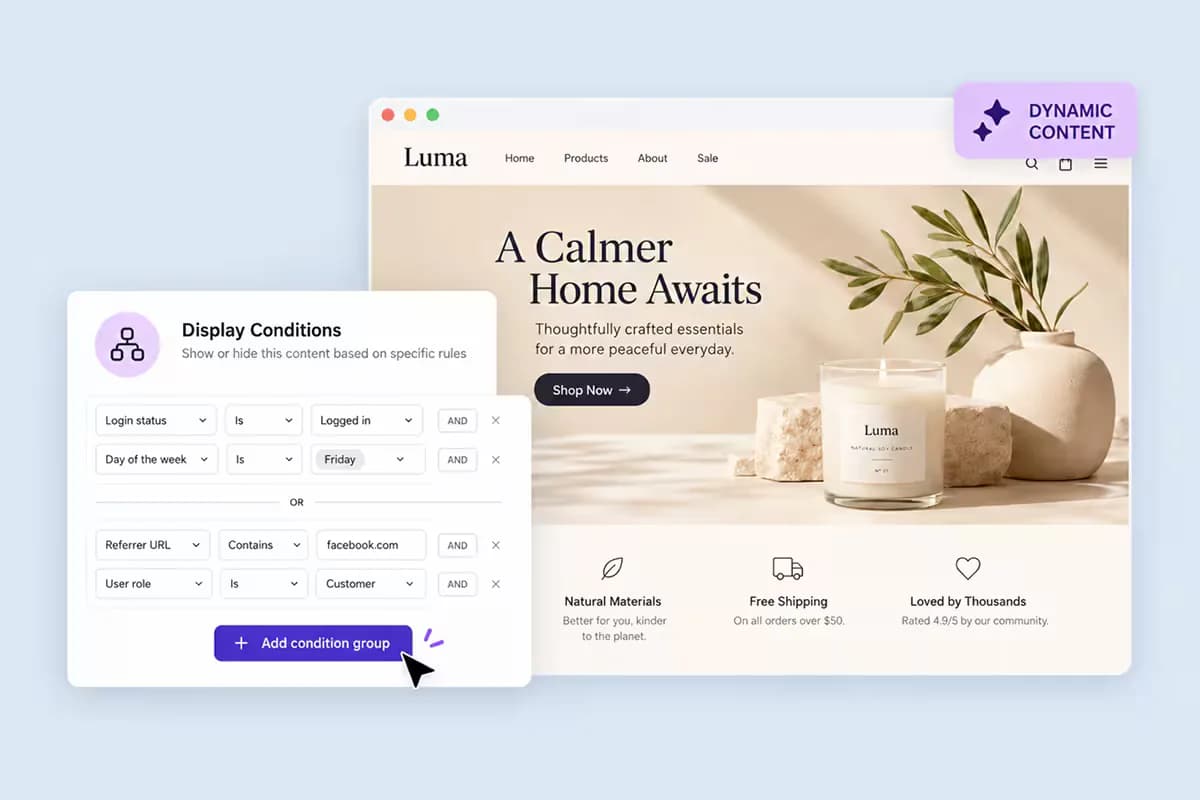
Display Conditions
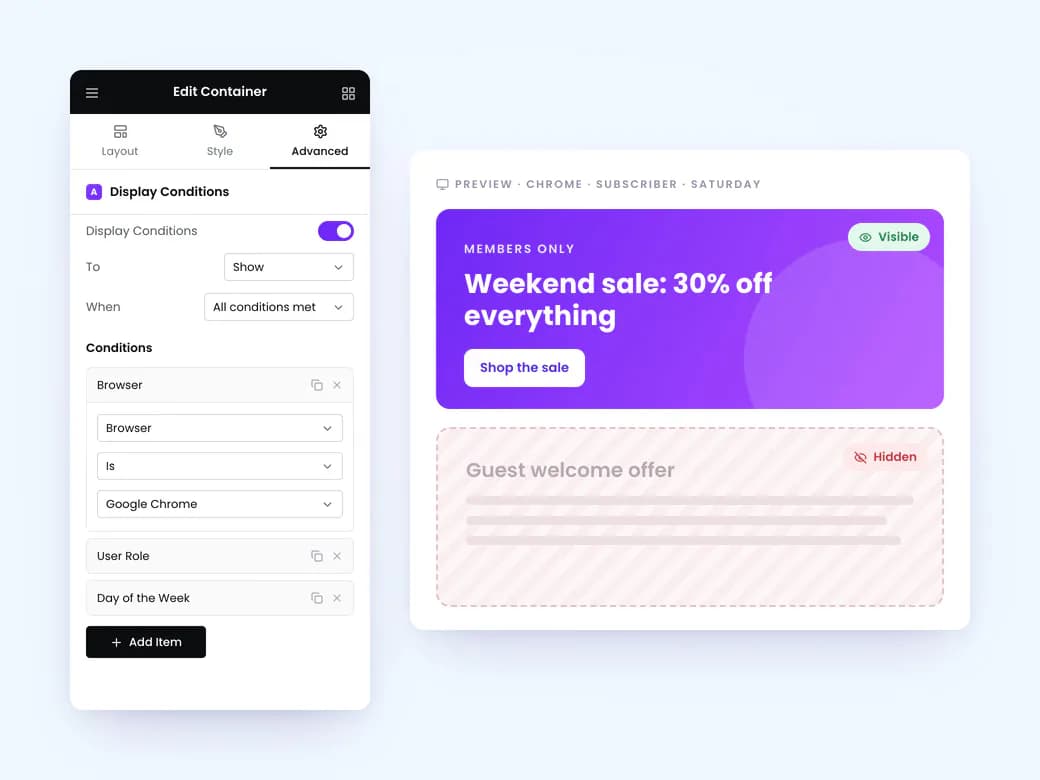
Set Elementor display conditions with Atomic Addons to show or hide widgets for different visitors. Combine rules for user roles, login status, devices, dates, page context, and WooCommerce cart contents within your existing layouts.
- 45+ Visibility Rules: Combine multiple conditions on a single element.
- User Conditions: Target user roles, login states, and specific users.
- Device & Schedule: Set rules for devices, breakpoints, dates, and times.
- Page & Cart Context: Use post types, archives, referrers, and WooCommerce cart data.

Motion Effects
Add Elementor motion effects with Atomic Addons. Apply transform, floating, and scrolling effects to your website elements, with separate controls for movement, rotation, scale, and opacity across responsive layouts.
- Transform Effects: Translate, rotate, scale, and skew selected elements.
- Floating Effects: Add continuous movement to hero graphics and badges.
- Scrolling Effects: Connect element animations to scroll position.
- Responsive Controls: Adjust effect settings for each screen breakpoint.

GSAP Animations
Create GSAP animations in Elementor with visual editing controls. Arrange multiple effects on a timeline, trigger playback as visitors scroll, and stagger animations across grids or text. Customize each sequence inside the editor without writing JavaScript.
- Timeline Sequencing: Set the order, delay, and overlap of animation steps.
- Scroll Triggers: Start playback based on an element’s viewport position.
- Stagger Effects: Sequence animations across grids, lists, and headings.
- Animation Controls: Adjust easing, duration, repetition, and direction.
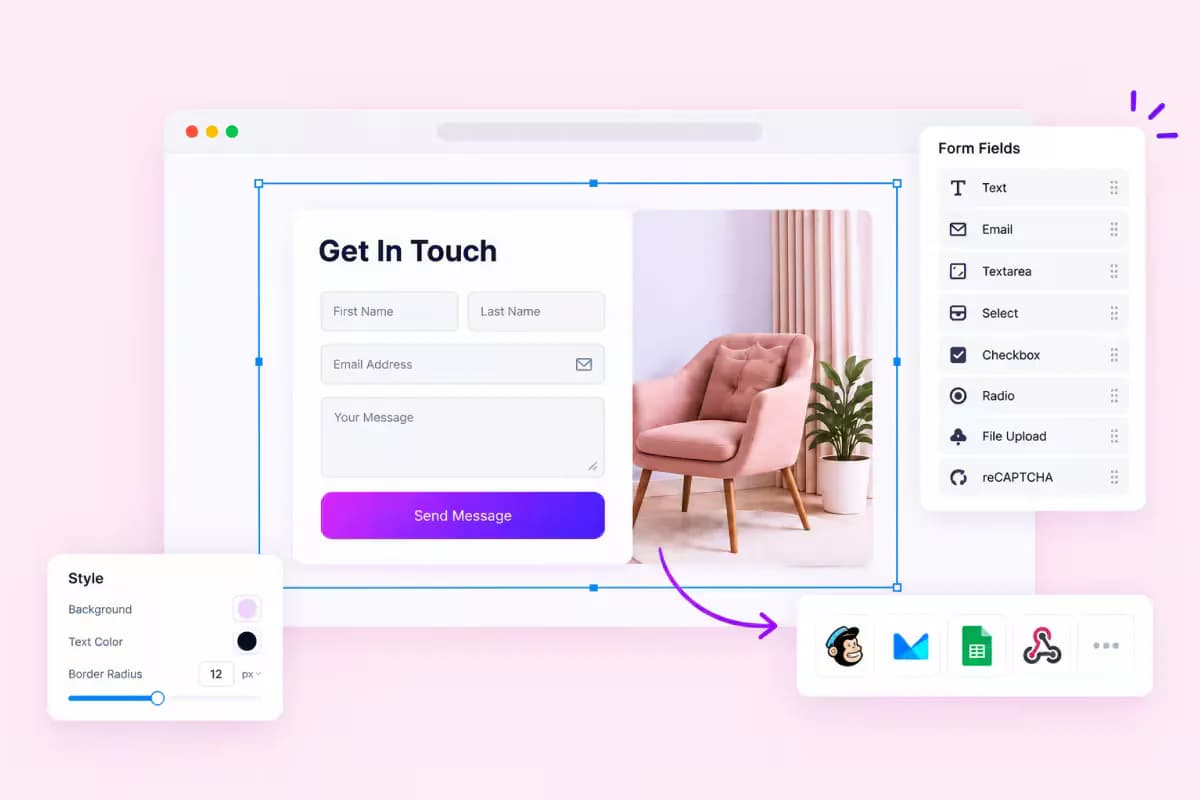
Form Builder
Create WordPress contact forms with the Elementor form builder in Atomic Addons. Configure fields, style your forms, and send submissions through webhooks to compatible tools. Customize existing WPForms layouts using Elementor controls to match your website.
- Contact Form: Configure form fields, validation, and styling in Elementor.
- Webhook Form: Send submissions to compatible CRMs, Zapier, Make, or custom APIs.
- WPForms Styling: Customize existing forms with Elementor design controls.
- Form Integrations: Supports Contact Form 7, Ninja Forms, Forminator, and Everest Forms.

Elementor Extensions
Customize containers, sections, and columns with 21 Elementor extensions from Atomic Addons. Add glass effects, parallax, particle backgrounds, sticky positioning, and custom code through controls within your WordPress editing workflow.
- Liquid Glass Effects: Add frosted, translucent surfaces to your layouts.
- Parallax & Particles: Create depth and animated website backgrounds.
- Sticky Positioning: Pin sections with offset and responsive breakpoint controls.
- Custom CSS & JS: Apply custom styling and scripts to individual elements.

Third-Party Widgets
Connect your website design with supported WordPress plugins through Elementor integration widgets. Style Mailchimp signup forms and Ninja Forms layouts with Atomic Addons, keeping typography, spacing, and colors consistent across your pages.
- Mailchimp Forms: Customize newsletter signup and audience subscription forms.
- Ninja Forms: Adjust the appearance of fields, labels, and buttons.
- Elementor Controls: Manage typography, spacing, and colors inside the editor.
- Consistent Styling: Match supported forms to your WordPress website design.
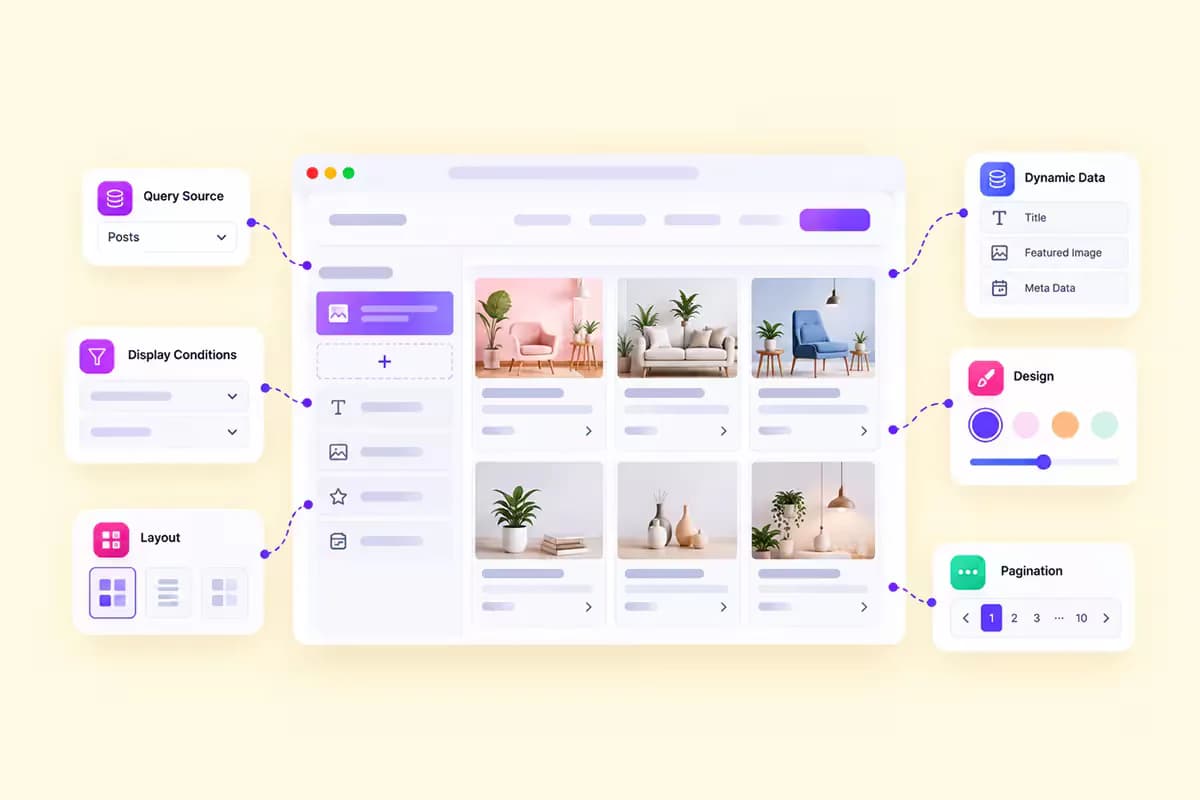
Dynamic Loop Builder
Create reusable content layouts with the Elementor loop builder in Atomic Addons. Design one item template for posts, products, or custom post types, then display it in a dynamic grid or carousel. Dynamic tags fill each item with its own content.
- Dynamic Layouts: Display listings with Dynamic Grid and Dynamic Carousel.
- Reusable Templates: Apply one loop item design across your content listing.
- Dynamic Content: Populate each item with values from its own fields.
- Connected Updates: Edit the shared template to update every listing using it.
All 18 feature sets in one Elementor addon. Start with 30 free Elementor widgets, the Template Library, and Live Copy Paste. Upgrade to Atomic Addons Pro for Elementor Theme Builder, dynamic content, and WooCommerce widgets.
Compare Free & ProBuild what clients imagine
Design without limits and deliver client-ready websites with full control over every detail on every device.