WordPress plugin deals can make a useful tool more affordable, but a large discount does not tell you whether the purchase fits your website. For small business owners and freelancers, the harder question is what deserves a place in the budget.
Buying because a countdown is ending can leave you with duplicate features, an unexpected renewal and another tool to learn. A discounted plugin that never gets used is still an unnecessary expense.
To choose WordPress plugin deals without overpaying, start with one website problem, compare the full cost and verify the offer at its official source. This guide gives you a practical process for deciding when to buy, when to ask questions and when to walk away.
Define the job before shopping
Write one sentence describing the outcome you need. “Make product color choices easier to see” is more useful than “get more WooCommerce features.” A clear outcome lets you judge a plugin against a real task rather than an impressive feature list.
Next, check whether an existing tool already does the job. Look in your theme, page builder and active plugins before buying another license. If a feature exists but is difficult to configure, compare the cost of setup help with the cost of replacing the tool.
Sort requirements into essential, useful later and unnecessary. Only essentials should decide whether an offer qualifies. Treat future features as optional until there is an approved project that needs them.
How to choose WordPress plugin deals by total cost
Compare plans on the same basis. A one-site annual license and a multi-site lifetime license are different purchases, even when both show the same sale percentage.
For each shortlisted plan, record:
- The exact edition and features included.
- The number of production sites covered.
- First payment, renewal price and billing interval.
- Taxes, currency and any service or usage charges.
- Update access, support coverage and refund conditions.
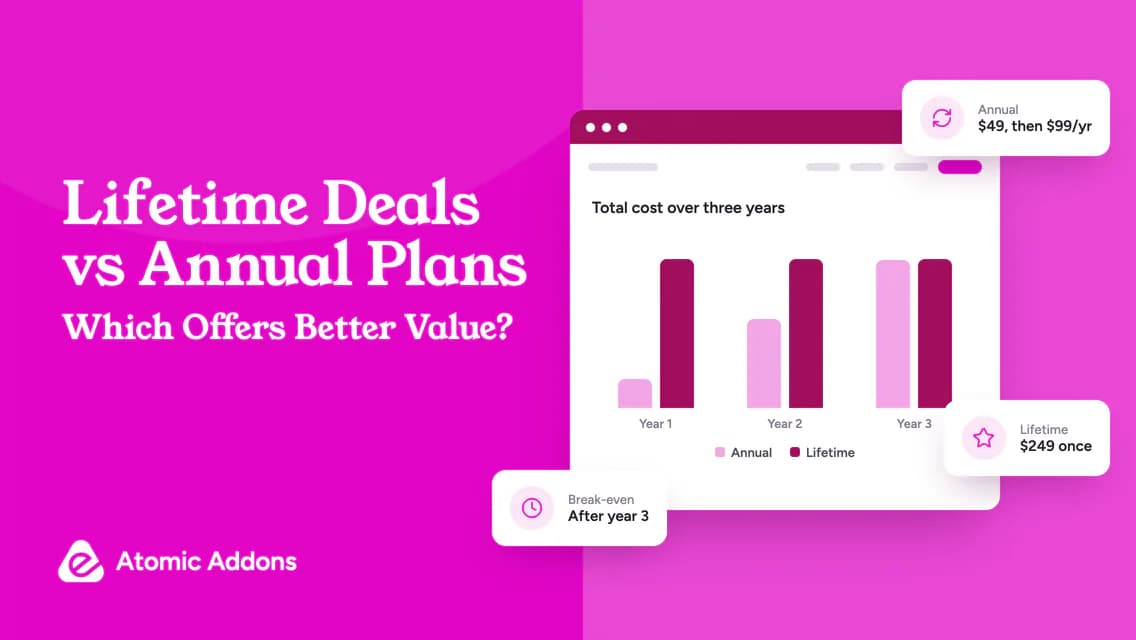
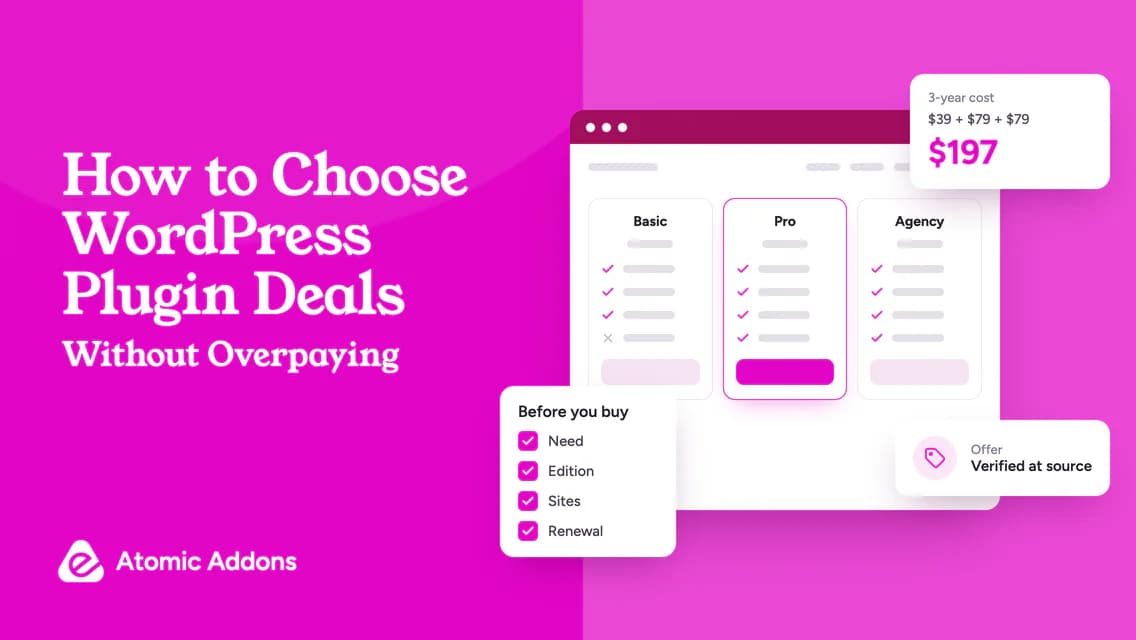
Use an illustrative calculation. Suppose an offer costs $39 initially and renews at $79 annually. Its three-year license cost is $197: $39 + $79 + $79. A competing $69 annual plan with unchanged renewals totals $207. These are example figures, not current product prices; the three-year difference is only $10.
A small difference may matter less than compatibility or clear documentation. Do not assume either price stays fixed beyond the terms the seller actually guarantees.

Verify the offer at its official source
A roundup or coupon directory is a discovery tool, not the final authority. Open the developer’s official page, choose the intended plan and inspect checkout before paying.
Confirm whether the offer is for new customers, upgrades or renewals. Check whether a code is needed, whether it applies to your billing interval and when the promotion ends, including its time zone.
When browsing current WordPress plugin offers, use the collection to find relevant tools, then confirm the final terms on the linked product page. Do not assume every listed free download is a temporary discount.
Be cautious if the seller’s identity, update mechanism or support route is unclear. Price is not a reason to accept an unverifiable software source.
Test your shortlist against a real task
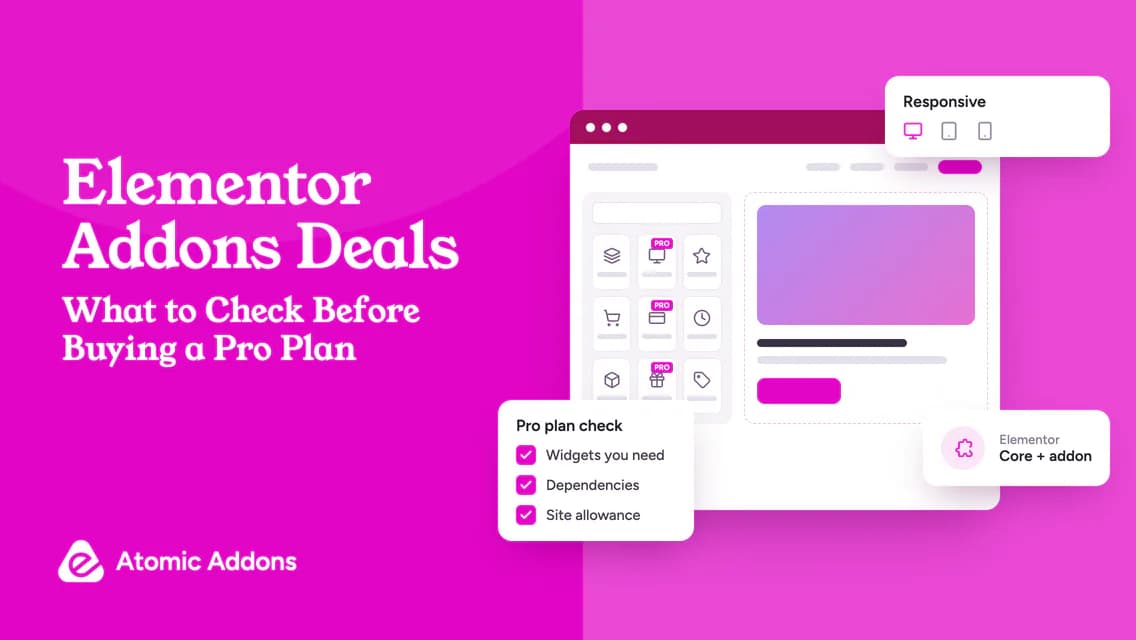
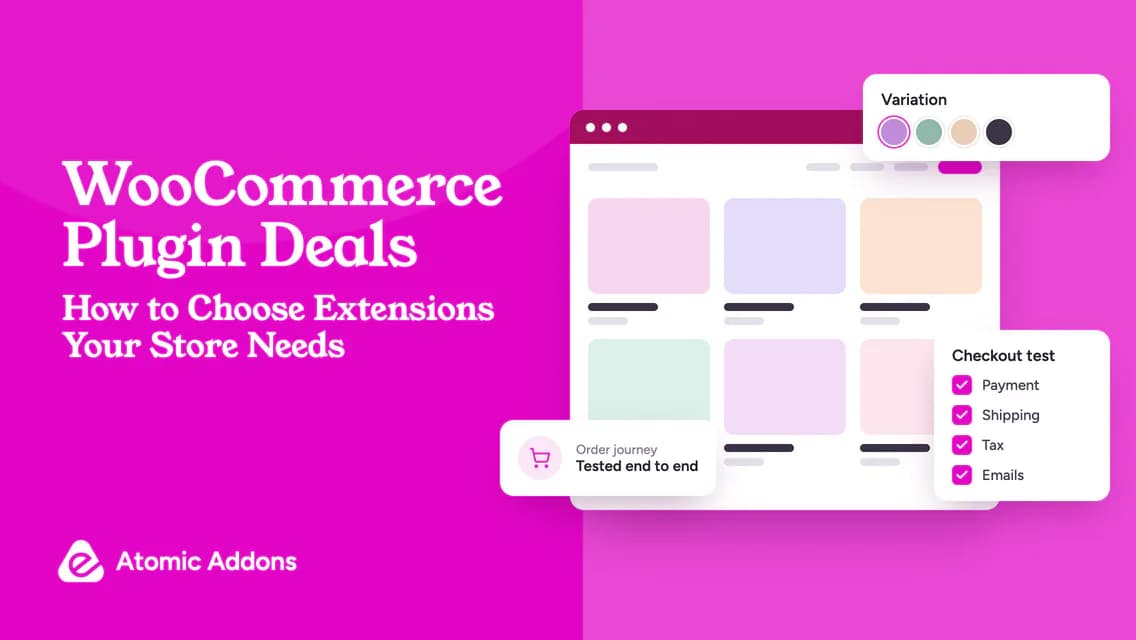
Choose one representative page or workflow and recreate it in a safe test environment. For a design addon, test editing and responsive behavior. For a store extension, test the relevant customer journey and administrative task.
WordPress plugin management documentation explains the normal installation and management workflow. Use the official installation instructions for the particular commercial product as well.
Record what worked and what needed a workaround. Ask a precise support question if a requirement is unclear: “Does this plan support separate prices for these two customer roles?” is easier to answer than “Will it work for my store?”
Where a trial is unavailable, evaluate documentation, demos and refund eligibility carefully. A refund policy is not a substitute for understanding exclusions before purchase.
A simple deal evaluation worksheet
Copy this record for each option:
- Website problem:
- Required feature and qualifying edition:
- Existing tool that might cover it:
- First-year and three-year cost:
- Site allowance and ownership:
- Compatibility evidence:
- Update and support terms:
- Refund deadline and exclusions:
- Decision: buy, wait or skip.
Buy when the need is current and the critical answers are clear. Wait when the product may fit but you cannot verify a requirement. Skip when the purchase is mainly driven by the sale badge.
Avoid confusing more features with more value
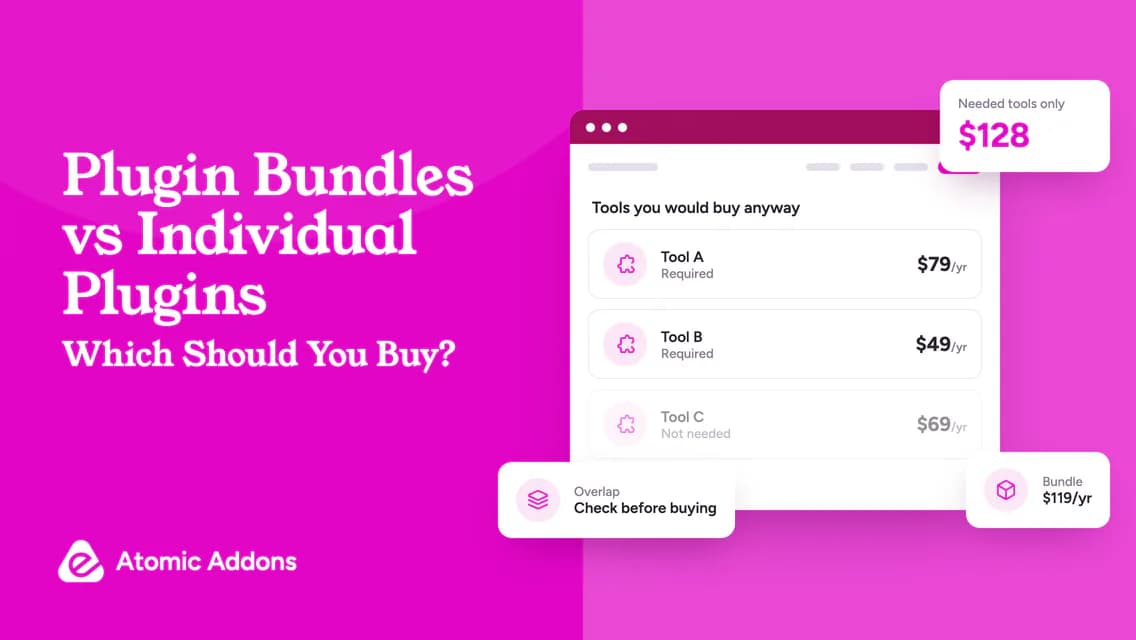
A broad toolkit can be useful when several features belong to the same workflow. It can also overlap with software you already maintain.
For example, Atomic Addons is relevant to an Elementor-based project. That does not make it the automatic answer to every WordPress requirement. Evaluate its current features against your own list.
Plan installation separately from purchase. Have a recoverable backup and a test window; the WordPress backup guide explains why both site files and database matter.
Frequently asked questions
Is the biggest discount usually the best deal?
No. A discount only describes a price reduction against a reference price. Compare the actual amount paid, the included edition and the ongoing costs. A modest offer on a suitable tool can be better value than a large reduction on software your website does not need.
Should I wait for a seasonal sale?
Wait when the feature is not urgent and there is no meaningful cost to delaying the project. If the missing functionality prevents work you need to complete, compare the delay with the verified purchase cost. Future sales, eligibility and discount levels are not guaranteed.
How do I check whether a coupon works?
Select the correct product and billing period, enter the coupon if required and inspect the order summary before payment. Confirm both the immediate charge and the renewal information. Save the receipt and offer terms, but do not complete a purchase just to test an uncertain code.
Does a deal include future updates?
Not necessarily. Update access depends on the product and plan. Check the entitlement period, whether support has a separate limit and whether external services require additional payments. Ask the developer if the wording is unclear rather than assuming “premium” or “lifetime” answers every question.
Can I use one license on client websites?
Only when the plan permits the intended client use and covers the required activations. Also decide who owns the account, who pays renewals and what happens after handover. A high site allowance does not automatically establish transfer rights or remove the need to read the license terms.
How can I tell whether a plugin deal fits my website?
Start with a specific task your existing tools cannot handle adequately. Check the exact edition, dependencies and site allowance, then test a representative workflow where possible. A suitable deal passes those requirements before price becomes the deciding factor; an attractive discount cannot compensate for a missing essential feature.
Should I compare the final checkout total or the advertised price?
Compare the final total for the qualifying plan, including any tax or other disclosed charges. Also record the renewal basis separately. A banner may describe a different edition or billing period, so verify that the checkout contains the product, allowance and payment interval you intended to buy.
What should I do if a deal page and checkout disagree?
Pause the purchase and ask the seller to clarify the discrepancy. Provide the product, plan and relevant offer wording without sharing sensitive payment details. Do not assume the lower figure will apply later or rely on an unconfirmed refund to correct an unexpected charge.
Is a free download the same as a temporary plugin deal?
No. A free edition can be available without a time-limited promotion, while a deal usually describes particular commercial terms. Evaluate what the free version includes and distinguish it from a paid-plan discount. Listing both on a collection page does not make their conditions identical.
When should I skip a discounted plugin entirely?
Skip it when no current requirement justifies the purchase, an existing tool already covers the task, or a critical dependency remains unresolved. Waiting is also reasonable when you cannot identify the seller or understand the entitlement. Avoid buying merely to keep an uncertain future option open.
Conclusion: Buy a solution, not a sale badge
Choosing WordPress plugin deals becomes difficult when every promotion appears to offer more features for less money.
Without a clear comparison, the apparent saving can become duplicated functionality, renewal pressure and maintenance work that your project never needed.
Use the worksheet to verify one requirement at a time, compare the full cost and make a deliberate buy, wait or skip decision. The right deal is a suitable tool on terms you understand, not simply the largest number beside a discount sign.