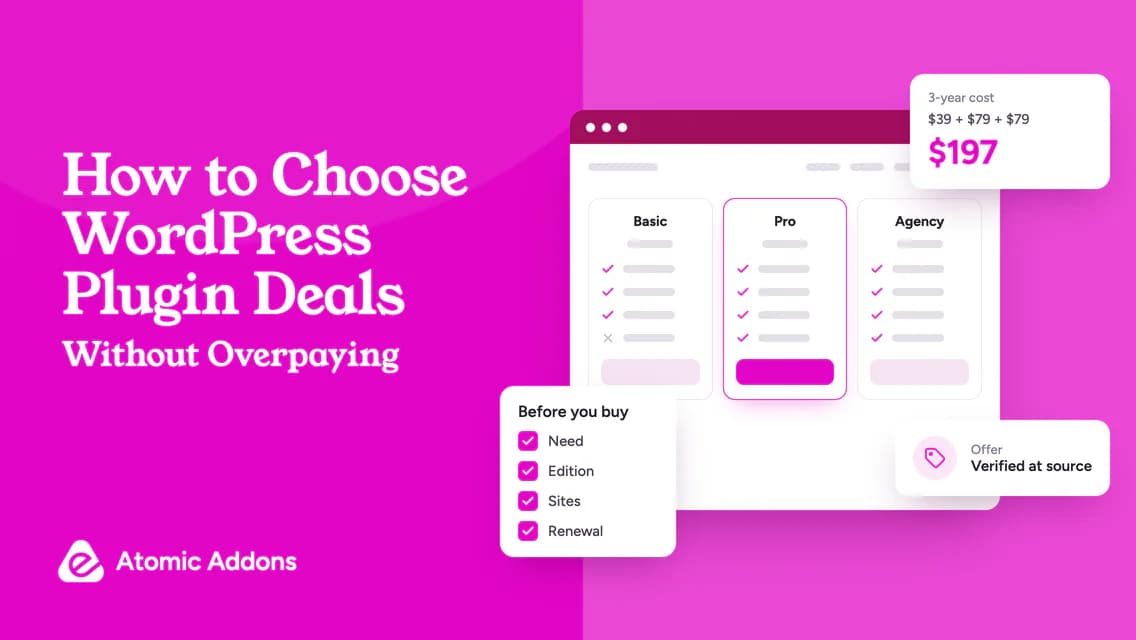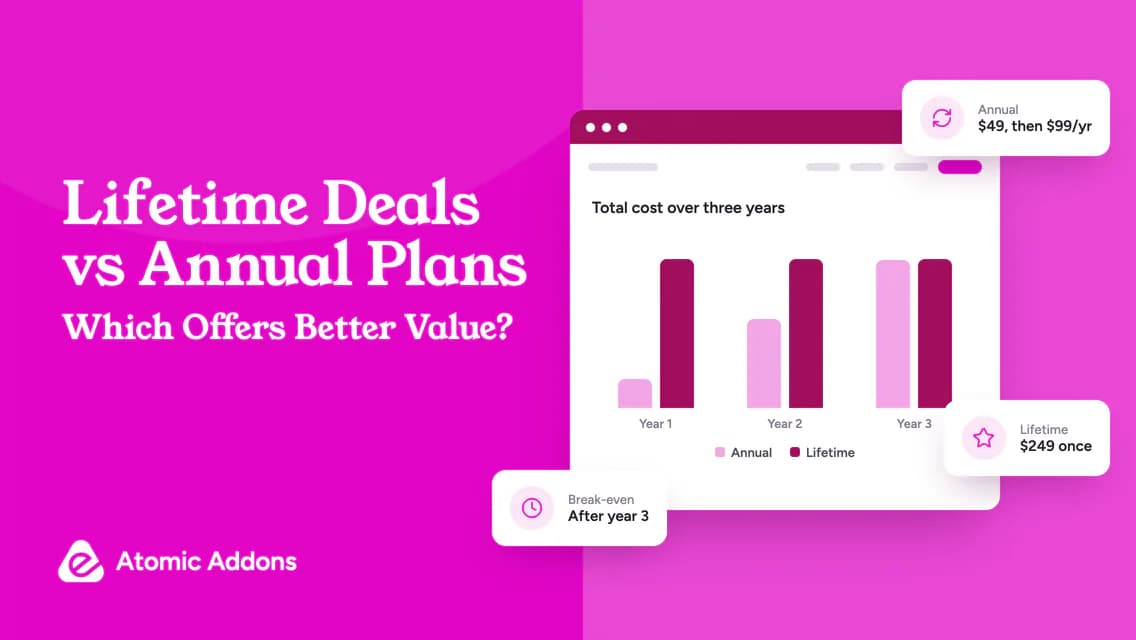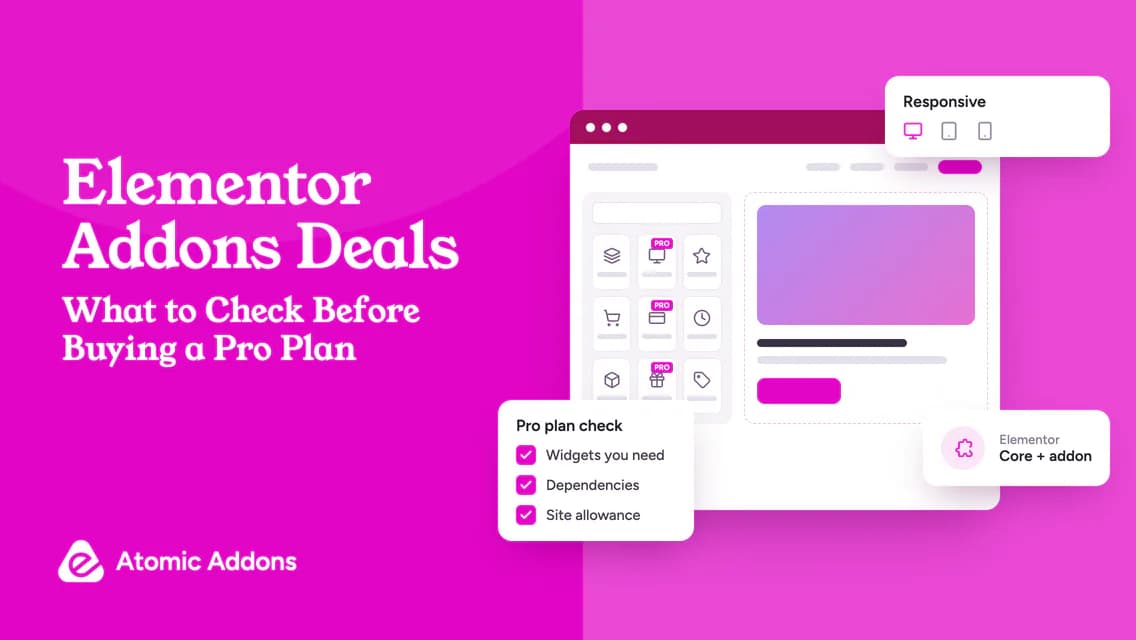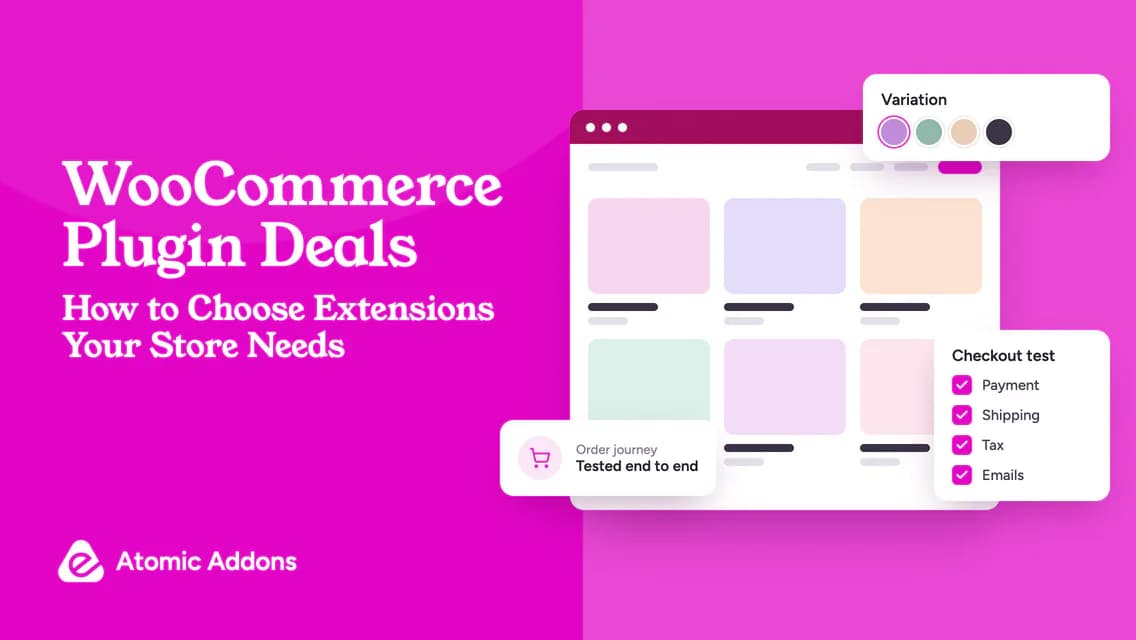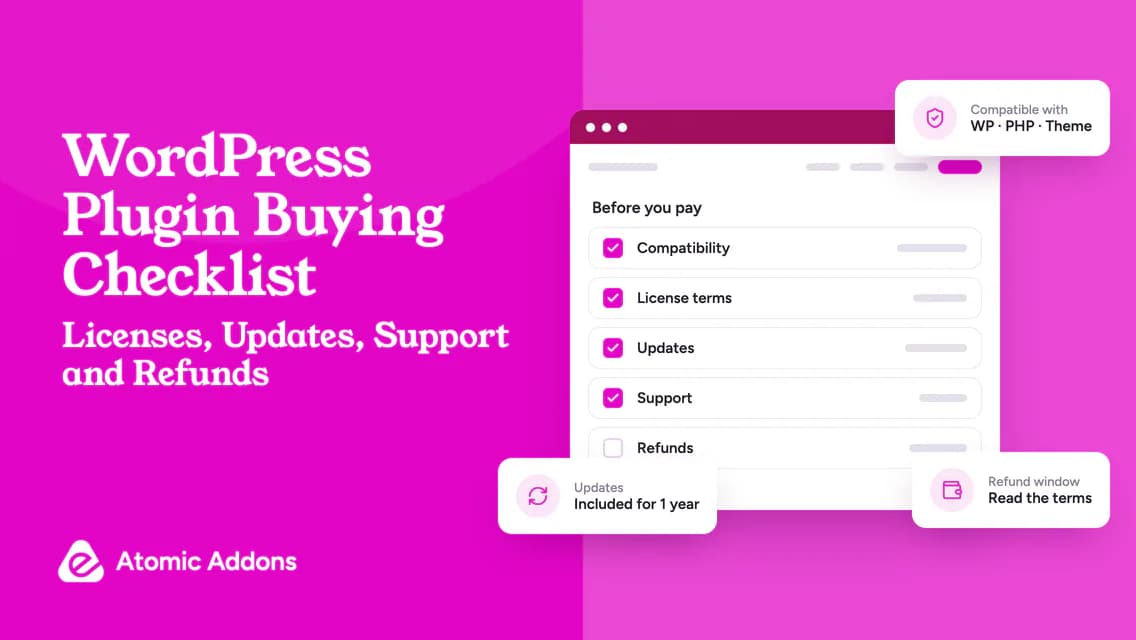
A WordPress plugin buying checklist helps when you have chosen a promising product but still need to confirm the purchase is safe for the project. Busy site owners often have the price and feature name, but not the answers that determine whether the software can be used responsibly.
Missing a dependency, site limit or refund exclusion can turn a straightforward purchase into an awkward support request. When a client is waiting, uncertainty can also encourage installing the tool before anyone has confirmed the requirements.
Use the checklist below as a purchase approval record. Mark each item pass, hold or not applicable, attach evidence and buy only when the critical questions have clear answers.
Gate 1: Define what the plugin must do
Write the intended outcome in one sentence. Add the page, product type, user role or external system involved so the requirement is testable.
Attach the exact feature documentation or a written developer answer. A marketing category is not enough: “supports forms” may not answer whether submissions reach the particular system you use.
Define an acceptance test before purchase. For example: “A logged-in wholesale customer sees the agreed price and can complete a test order without that price appearing for a retail account.” This describes behavior you can verify.
If the intended workflow remains vague, stop at this gate. More product browsing will not resolve an undefined requirement.
Gate 2: Check the environment and dependencies
Record current WordPress, PHP, theme and relevant plugin versions. Compare them with the developer’s current requirements and identify anything that needs updating.
Check required paid dependencies separately. An addon may need the base page builder; a payment feature may require a compatible gateway. Confirm that all components are available in the planned environment.
Use WordPress plugin management documentation for the standard management workflow, then follow the product’s own installation instructions. Installation success alone is not evidence that a complex workflow is compatible.
For a store purchase, check WooCommerce’s conflict-testing guidance when diagnosing interactions. Keep disruptive tests away from live customer journeys.
Gate 3: Confirm the license and price
Check the exact plan name and edition. Verify production-site allowance, client-use permission and rules for moving activations. Ask how staging and multisite are counted if they apply to your project.
Record the immediate payment, billing interval, renewal basis, currency and any usage charges. For a lifetime offer, capture its definition and exclusions instead of treating the word as a complete contract.
Do not infer that a collection of products is sold as a bundle. Confirm the actual checkout item and entitlement list. Current WordPress plugin offers can provide discovery links, but the official product terms should answer the purchase questions.
Gate 4: Understand updates, support and refunds
Confirm how updates are delivered and what entitlement is required. Ask which services change when a subscription ends. The answer can differ between downloadable code, account access and external infrastructure.
Support should have a known contact route and a defined scope. Check whether the developer handles installation questions, compatibility investigation or only reproducible product faults. Avoid promising a client support coverage that the plan does not provide.
Read the refund policy before payment. Note the deadline, purchase types covered and exclusions relevant to your situation. A policy labelled “money-back” may still require conditions; do not summarize it as unconditional without checking.
Capture the terms as they apply to the proposed purchase, not an unrelated plan.
Gate 5: Confirm installation readiness
Identify the person who can install the plugin and the person who approves the result. These may be different people for a client project.
Have a recoverable backup and a suitable test environment. The WordPress backup guide explains the role of files and database in a complete recovery.
Define a deployment window and rollback trigger. For a small visual change, the checks may be simple. For a store pricing or payment change, include a full test order and administrative review.
Keep passwords and license keys in an appropriate secure system, not in an ordinary checklist shared with everyone.
Copy this WordPress plugin buying checklist
Use Pass, Hold or Not applicable beside each line:
- A named website problem justifies the purchase.
- The exact feature and qualifying edition are documented.
- Required dependencies are available.
- Environment and integration requirements have been checked.
- Site allowance and client-use rights fit the project.
- Initial and ongoing charges are understood.
- Update delivery and expiry behavior are clear.
- Support route and scope are recorded.
- Refund conditions have been reviewed.
- An acceptance test and responsible owner are named.
- Backup, staging and rollback arrangements are ready.
- A final approval is recorded before payment or deployment.
For each Hold, add the missing answer and who will obtain it. “Probably compatible” should not become Pass without evidence when compatibility is essential to the task.
Keep the approval proportional to the risk
A minor decorative widget does not need the same review as recurring billing logic. Apply the gates with judgment while keeping essential answers visible.
The Atomic Addons toolkit overview may be relevant for an Elementor project, but the same approval process should apply regardless of the vendor. This checklist is designed to support a decision, not steer every requirement toward one product.
Keep the completed record with the receipt. It gives the next maintainer context about why the plugin was purchased and which functions need testing after updates.
Frequently asked questions
What is the most important item before buying?
A clear requirement comes first because it determines what else must be checked. Confirm the exact feature, qualifying edition and a test that proves it works for your project. Pricing and support matter, but they cannot make an unsuitable capability meet an essential requirement.
Should a low-cost plugin skip the checklist?
No, but the review can be proportionate. A low license price does not limit the impact of changes to checkout, access rules or content. Use a shorter review for a low-risk visual tool and a more detailed test plan when the plugin affects important operations.
What if the developer does not answer a question?
Keep the requirement on hold if the unanswered question could prevent the intended use. Look for clear official documentation or a supported demonstration, but do not replace missing evidence with an assumption. If the uncertainty remains material, compare a different product rather than buying under pressure.
Should I save screenshots of the offer?
Keeping relevant offer and checkout records can help document what was presented, alongside the receipt and written terms. Avoid storing payment credentials or exposing account details. A screenshot is useful evidence of wording, but it does not substitute for reading the governing policy.
Can the checklist be used for free plugins?
Yes. Price and commercial refund items may be inapplicable, but requirements, dependencies, update practices and installation readiness still matter. A free plugin can affect important site functions. Apply the same acceptance test and recovery planning appropriate to the risk of the change.
Who should approve a plugin purchase for a client project?
Identify both the budget owner and the person responsible for technical acceptance. They may be different people. Confirm the requirement, qualifying plan and account ownership before payment, then record approval. A developer’s ability to install software does not by itself establish authority to commit the client to recurring charges.
What evidence should I retain with the buying checklist?
Keep the relevant feature documentation, written answers, plan and checkout details, receipt and acceptance-test result. Record when uncertain terms were confirmed. Store sensitive account information separately with appropriate access controls; the checklist should explain the decision without becoming a shared repository for license keys or payment credentials.
How do I use the checklist when there is no trial?
Use official documentation, a supported demo and written answers to resolve essential requirements. Review refund eligibility without treating it as a substitute for pre-purchase investigation. If a critical capability remains uncertain and cannot be tested or established, keep the purchase on hold rather than guessing.
Which checklist questions matter most for a payment-related plugin?
Prioritize the exact gateway, billing behavior, amounts charged and complete order-management workflow, alongside license and support terms. Define representative test scenarios and a recovery plan. A payment-related change needs more than a successful installation or an attractive checkout screenshot to establish that it is suitable for production.
When should I revisit an approved buying checklist?
Review it when the project requirement, qualifying plan or technical environment changes materially. A previous approval applied to a particular configuration and purpose. Keep the original record, document what changed and retest the affected behavior instead of assuming the earlier decision covers every future use.
Conclusion: Turn uncertainty into a hold, not a guess
A WordPress plugin buying checklist is most useful when an attractive product still has unanswered questions.
Skipping those questions can lead to the wrong edition, unsupported integrations or a rushed installation without a recovery path. A small omission becomes harder to fix after the site depends on the purchase.
Use the five gates, record evidence and resolve critical Holds before paying. That creates a repeatable approval process your business or client team can trust.