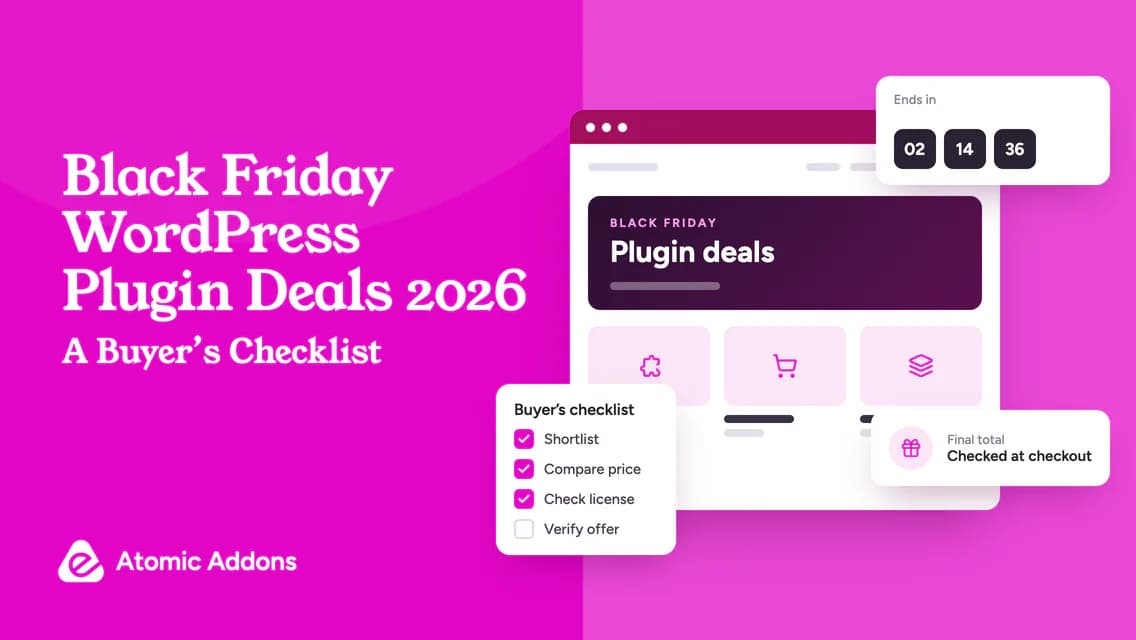
Black Friday WordPress plugin deals can be useful for planned software purchases, but the volume of offers makes it difficult to compare them carefully. For site owners and agencies, the challenge is preparing before promotion emails and countdowns take over the decision.
Buying in a rush can leave you with duplicate tools, the wrong plan or a renewal you did not expect. Waiting until the last minute also leaves little room to ask about an essential integration.
Prepare a shortlist, record normal pricing and decide your purchase conditions ahead of time. This buyer’s checklist focuses on how to shop during the seasonal period; it is not a list of verified live discounts or a promise about what any developer will offer.
Prepare a shortlist before Black Friday
List the website improvements already approved for the next project period. Match each requirement to a product category and identify whether an existing license can cover it.
Create three groups: required purchase, possible upgrade and optional experiment. Set a spending limit for each group before browsing seasonal offers.
Do not assume every product will be discounted or that waiting will be cost-free. If a current project needs the feature now, evaluate the cost of delay separately from a speculative future saving.
For an Elementor project, review the Atomic Addons feature overview to check relevance before evaluating any promotional plan. A feature requirement should come before a coupon search.
Record a meaningful price baseline
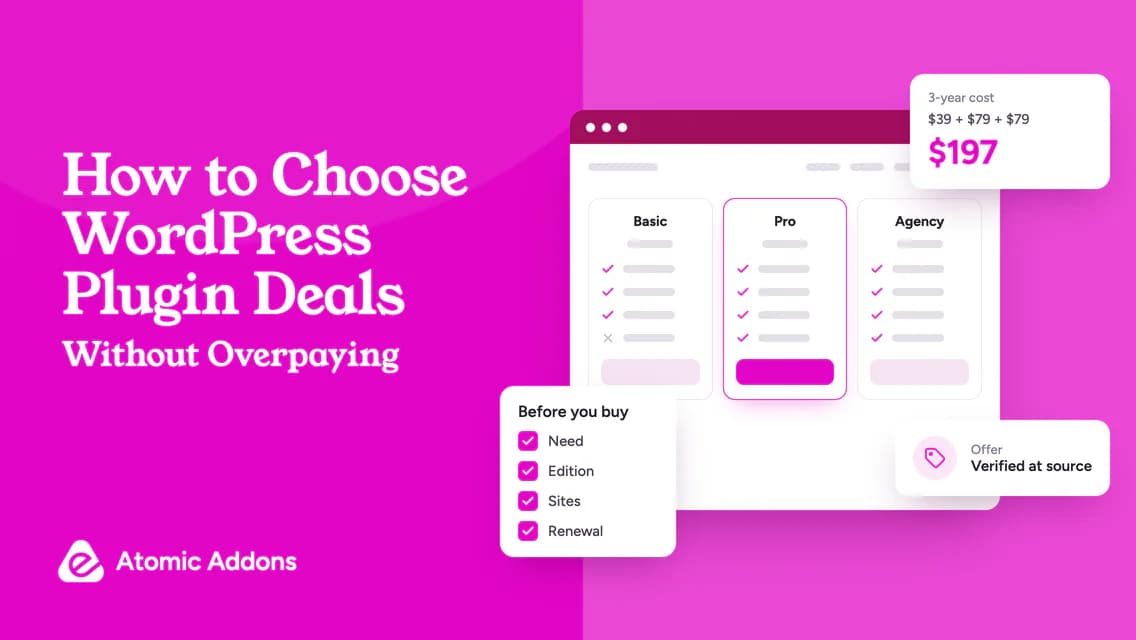
Write down the current qualifying plan, site allowance, billing interval and price. Save the date of the observation and note whether the amount is already promotional.
Compare like with like. A lower sale price on a different edition is not automatically a saving on the plan you intended to buy. Likewise, a larger site allowance may not have practical value if you only need one activation.
Use hypothetical figures to see the difference. If your required plan normally costs $99 and the sale checkout is $69, the immediate reduction is $30. If the advertised $49 price belongs to a smaller plan that lacks your feature, it is not the qualifying comparison.
Do not treat a crossed-out amount as proof of an independently verified price history. Your own dated baseline makes the comparison more useful.
Check Black Friday WordPress plugin deals for eligibility
Read whether the offer applies to initial purchases, renewals, upgrades or a particular audience. Check product exclusions and the billing periods covered.
If a coupon is required, confirm where it is entered and whether it combines with another promotion. Avoid assuming codes stack unless the terms permit it.
Write the exact deadline and time zone. A date without a time zone can be ambiguous for an international buyer. If the seller extends a campaign, evaluate the new terms rather than assuming every detail remains unchanged.
A shortlist record should contain:
- Product, exact plan and required feature.
- Baseline amount and observation date.
- Offer amount and verification date.
- Eligibility and exclusions.
- Coupon or automatic-discount instructions.
- Renewal basis and deadline.
- Final decision.
Compare the final checkout, not just the banner
Before payment, confirm the correct edition, site allowance and billing interval. Inspect the currency, tax and total amount due.
Read renewal disclosures and account ownership details. A seasonal discount may affect the first payment without changing future billing. Do not assume a new purchase inherits the entitlements of an existing license.
If the promotion is unclear, ask support early with the exact product and account situation. If a critical answer does not arrive in time, waiting is a valid decision. Missing an offer is preferable to buying a plan that cannot meet the requirement.
Use the Atomic Addons deals page as a discovery point for its linked products and current options. Confirm any seasonal discount on the official product page; this guide does not establish a coupon or campaign amount.
Check the terms that survive the sale
Discounts end, but the website may depend on the tool for years. Verify update access, support eligibility, site transfers and expiry behavior.
The WordPress license overview gives general background on the software’s licensing. Commercial services and account entitlements still need vendor-specific review.
Do not assume every subscription behaves identically after expiry. Elementor provides its own non-renewal explanation; another developer can have different rules.
For a lifetime offer, check its definition and exclusions. For a bundle, count only the products your approved work needs. Seasonal urgency should not remove these questions from the process.
Separate purchase from live installation
A sale deadline is not a deployment deadline. Purchase approval and production rollout are different decisions.
Save the receipt, download instructions and entitlement details, then schedule a controlled test. Review dependencies, representative pages and relevant customer journeys before changing the live site.
The WordPress backup guide explains why recoverable site files and database matter. Follow the product’s own upgrade process as well.
For an existing site, note which tools may be replaced and what depends on them. Do not remove a working component merely because a new license has been purchased.
Keep records after the campaign
Add the new subscription to your renewal register. Record who owns the account, where support requests go and which websites use the plan.
Review optional purchases while any applicable refund window is still open. Follow the actual policy rather than assuming a seasonal purchase has standard eligibility.
If you publish your own buying notes or share an offer with colleagues, label the verification date. Remove expired claims and avoid presenting old coupons as current. A useful recommendation should not outlive its evidence.
Frequently asked questions
Are Black Friday plugin discounts always the lowest prices?
There is no universal guarantee. Different campaigns can use different editions, conditions and renewal terms. Compare a dated baseline with the qualifying checkout amount. The largest advertised percentage is not enough to establish the lowest practical cost for your website.
Should I wait until Cyber Monday?
Only if delaying is acceptable and you are willing to risk the current offer changing or ending. A later discount is not guaranteed. Decide based on verified terms and your project schedule rather than assuming every developer follows the same campaign sequence.
Can existing customers use Black Friday coupons?
Eligibility depends on the promotion. Check whether it covers renewals, upgrades or only first purchases. Ask the seller if your account situation is unclear. Do not cancel an established license on the assumption that a new-customer offer will preserve its terms or history.
Should I buy plugins for future projects?
Only when the future need is reasonably established and the entitlement fits. A speculative purchase can become unused inventory. Keep optional experiments separate from required spending and evaluate the upfront commitment against the uncertainty of the work.
Do I have to install before the sale ends?
Usually the promotion concerns purchasing, but verify any activation conditions in the offer. Do not assume installation and purchase deadlines are identical. Plan deployment around testing and recovery needs rather than rushing changes to a live website because a discount countdown is ending.
How early should I prepare my Black Friday plugin shortlist?
Prepare whenever you can define the next project period’s requirements, preferably before browsing time-limited promotions. The useful milestone is having a baseline, qualifying plans and unanswered questions recorded. There is no universal preparation deadline; leave enough time to test important capabilities and ask the developer for clarification.
What if the sale price applies to a different billing period?
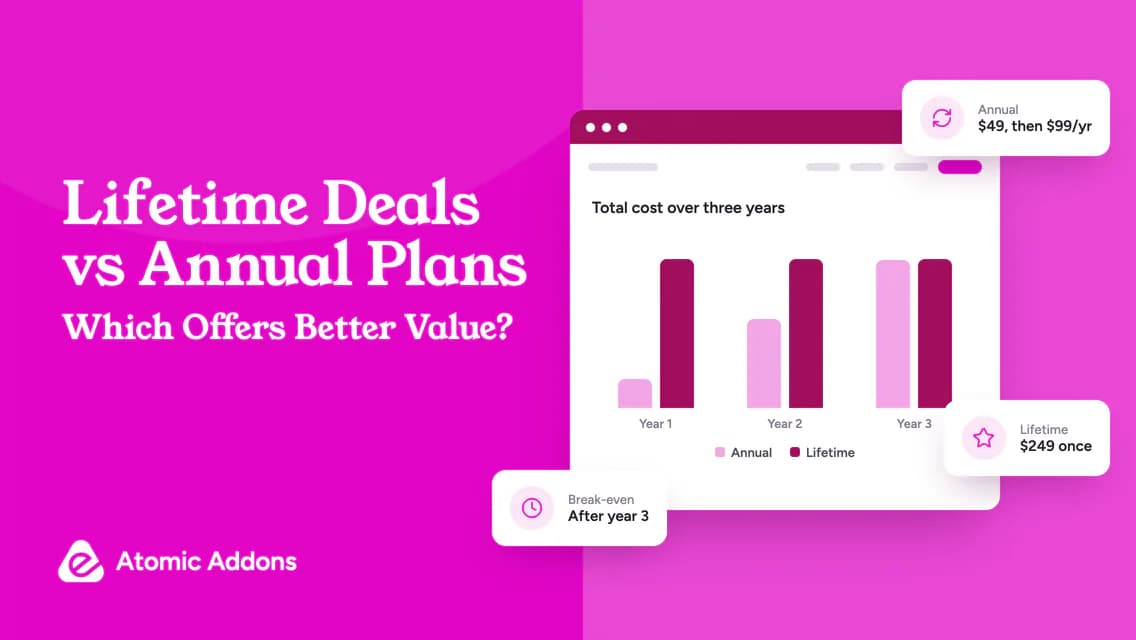
Recalculate the comparison using equivalent coverage and the actual payment schedule. A monthly equivalent, annual commitment and one-time purchase are different offers. Confirm the initial amount, renewal basis and relevant entitlements rather than assuming a lower displayed figure represents a lower cost for the plan you need.
Can I trust a coupon from an old Black Friday roundup?
Treat it as a lead to verify, not evidence of a current offer. Check the developer’s official page and the qualifying checkout, including eligibility and expiry. An article remaining online does not mean its coupon is active, and a previous campaign’s terms may not apply to the present purchase.
How should I handle several attractive deals within a fixed budget?
Rank the approved requirements first and fund essential qualifying purchases before optional experiments. Compare full ownership costs and exclude duplicated features. If several offers remain suitable, choose the combination that supports the planned work without assuming future discounts or buying additional tools solely because their deadlines overlap.
What should I do immediately after a seasonal plugin purchase?
Save the receipt and terms, confirm account access and record renewal information. Then schedule testing and deployment separately from the sale deadline. Check any activation conditions, but avoid rushing live changes unnecessarily. Evaluate unresolved requirements promptly while any applicable trial or refund eligibility remains available.
Conclusion: Prepare before the promotion arrives
Black Friday WordPress plugin deals become harder to evaluate when every decision is made under a countdown.
Rushed purchases can create duplicate tools, unclear renewals and installation pressure that lasts long after the campaign. A discount is not a saving when it funds the wrong requirement.
Prepare a shortlist, compare equivalent plans and verify the final terms before paying. Then deploy on a controlled schedule. That keeps the seasonal opportunity useful without turning it into a reason to buy software your website does not need.