The biggest WordPress change of the past year isn’t a new block or a new default theme. It’s that plugins can now tell AI agents, in a standard way, what they are able to do — and agents can do it, within the permissions of a WordPress user. If you build, run or sell WordPress sites, this is the shift to understand before 2027.
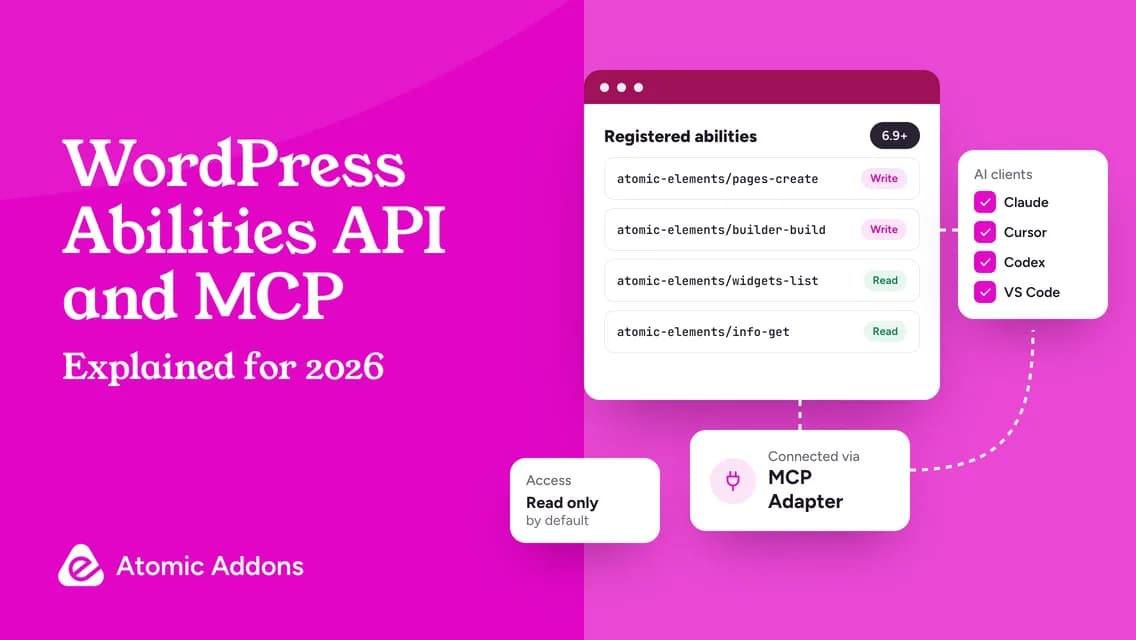
Quick answer: The Abilities API, added in WordPress 6.9, lets plugins register “abilities”: named actions with defined inputs, outputs and permission checks. The MCP Adapter turns those abilities into tools that AI clients such as Claude, Cursor and VS Code can discover and call over the Model Context Protocol. WordPress 7.0 added a shared AI Client and a Connectors screen. Together they make a plugin “AI-ready”: an agent can find it, understand it and use it safely.
The three pieces, in plain English
| Piece | Where it lives | What it does |
|---|---|---|
| Abilities API | WordPress core since 6.9 | A registry where plugins declare what they can do, what each action needs and returns, and who may run it |
| MCP Adapter | A plugin: version 0.7.1, 50,000+ active installs | Exposes registered abilities to AI clients as Model Context Protocol tools |
| AI Client and Connectors | WordPress core since 7.0 | One provider-agnostic way for plugins to call AI models, with providers set up once on a Connectors screen |
WordPress.com describes the Abilities API as “one of the first foundational pieces” of this infrastructure. Because abilities are discoverable, an AI tool can find what a site offers without custom integration code for every plugin.
Why agents need abilities, not screen-scraping
Before abilities, an AI assistant had two clumsy options for working on a WordPress site. It could write text for you to paste, or it could try to drive the admin screens like a person, guessing at buttons that move with every update. Neither scales, and the second is hard to secure.
Abilities replace guessing with a menu. Each one has a name, a description, an input schema, an output schema and a permission check. The agent sees exactly which actions exist, what they need and whether the current user may run them, and every call goes through the same WordPress permission checks as that user’s own clicks.
What changes for site owners
- You can ask for work in plain language — “build a draft landing page”, “switch off the widgets we don’t use” — and the agent uses the abilities your plugins provide.
- Your controls are the ones you already know: WordPress users, roles and application passwords. An agent with an Editor account can’t do what only an Administrator can.
- The AI model is your choice. The site provides the tools; the client you connect, and the provider behind it, does the thinking.
What changes for agencies
- Repeatable builds: a brief becomes a draft page in the client’s kit colors and fonts, and designers spend their time refining instead of rebuilding.
- Maintenance at scale: read-only agents can audit page structures, widget usage and environments across sites before anyone changes anything.
- Governance becomes part of the service: one WordPress user and one application password per client tool, staging first, and a clear rule for who may publish.
- Plugin choice changes: when you pick a page-builder addon or a store plugin, “does it register abilities?” becomes as important a question as “does it support WooCommerce?” once was.
What changes for plugin makers
For plugin developers, abilities are the new baseline. The pattern that works is simple to state and harder to do well: register focused abilities with clear schemas, check permissions on every call, label what reads and what writes, keep destructive actions reversible, and keep everything off until the site owner opts in.
A real example: how Atomic Addons became AI-ready
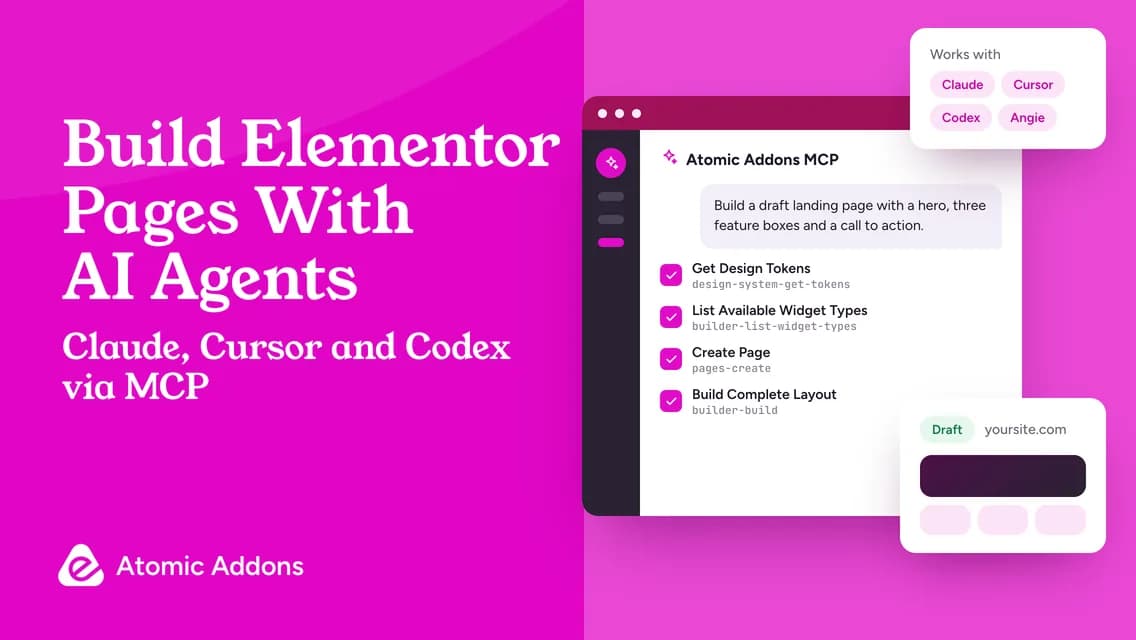
Atomic Addons, our Elementor addons plugin, registers 31 abilities through the Abilities API in seven groups — Page Building, Page Management, Design System, Widget Management, Plugin Information, Integrations and Maintenance — and serves them from its own MCP endpoint. Claude Code, Claude Desktop, Cursor, Codex and VS Code connect from the plugin’s AI screen, and Elementor’s Angie can use the same tools inside the editor.
The design choices are the interesting part:
- Off by default, and read-only until the site owner chooses Read & write.
- One application password per client, revoked when agent access is turned off.
- Every ability labelled Read, Write or Destructive, and each one can be switched off.
- New pages are drafts by default, removed pages go to the trash, and the last AI layout change can be undone.
- Pages that weren’t built with Elementor are never overwritten by a generated layout.
- The agent reads the Elementor kit’s colors, fonts and spacing, so its pages match the site instead of a generic template.
All of it ships in the free WordPress.org plugin. Our hands-on MCP guide walks through the setup and the prompts that work best.
Is your WordPress stack AI-ready? A checklist
- WordPress 6.9 or later, or 7.0 and later for the AI Client and Connectors.
- An MCP Adapter: the official plugin, or a copy bundled with another plugin you run.
- HTTPS, so WordPress can issue application passwords.
- Plugins that register abilities for the work you want to delegate.
- A dedicated WordPress user for each agent, with the least privilege that does the job.
- A staging site for new workflows, and backups you have actually restored.
- A written rule for what agents may publish without human review. Ideally, nothing.
The risks worth taking seriously
AI agents read whatever they are given, including text on your pages, form submissions and product reviews. Content written to manipulate an agent, known as prompt injection, is a real risk, so limit what each agent can do rather than trusting it to behave. Over-privileged users are the other common mistake: an agent connected as an administrator can do everything an administrator can. Keep agents read-only until a task needs more, review every draft, and remember that your AI provider processes what the agent reads under its own terms.
Frequently asked questions
What is the WordPress Abilities API?
It is a core WordPress API, introduced in version 6.9, that lets plugins and themes register abilities: named actions with a description, input and output schemas and a permission check. AI tools and other software can discover those abilities and run them on behalf of a WordPress user.
Is MCP built into WordPress core?
No. The Abilities API is in core, while the MCP side is handled by the official MCP Adapter plugin or by a copy bundled with another plugin. Some plugins, including Atomic Addons, also run their own MCP endpoint for their abilities.
Do I need WordPress 7.0 to use AI agents?
Not necessarily. Abilities, and tools built on them such as the Atomic Addons MCP server, need WordPress 6.9 or later. The AI Client and the Connectors screen arrived in 7.0, and 7.1 is the current release.
Which plugins support the Abilities API?
The list is growing quickly. Atomic Addons registers 31 abilities for building and managing Elementor pages, and Elementor itself has added MCP tooling alongside its Angie agent. Check each plugin’s documentation for the abilities it provides and the permissions they need.
Is it safe to let an AI agent change my website?
It can be, with the right limits: a dedicated user with minimal permissions, read-only access until a task needs more, drafts instead of direct publishing, staging for new workflows and tested backups. Choose plugins whose abilities are off by default, clearly labelled and reversible.
Where this goes next
Abilities and MCP turn WordPress plugins into building blocks that AI agents can use safely. Sites that adopt them early get faster builds and easier maintenance; plugins that ignore them will soon feel as dated as plugins that ignored mobile.
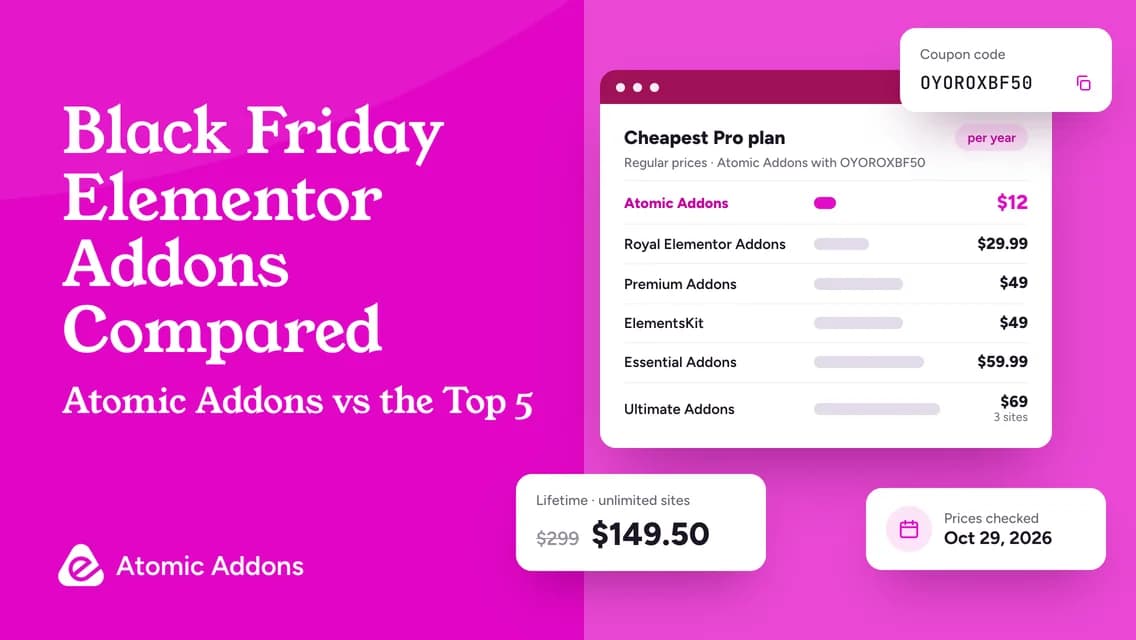
See it for yourself: install Atomic Addons for free and connect your AI client. If you need the Pro widgets, the Theme Builder or the WooCommerce shop builder, Atomic Addons Pro is 50% off with code OYOROXBF50 until November 30, 2026.