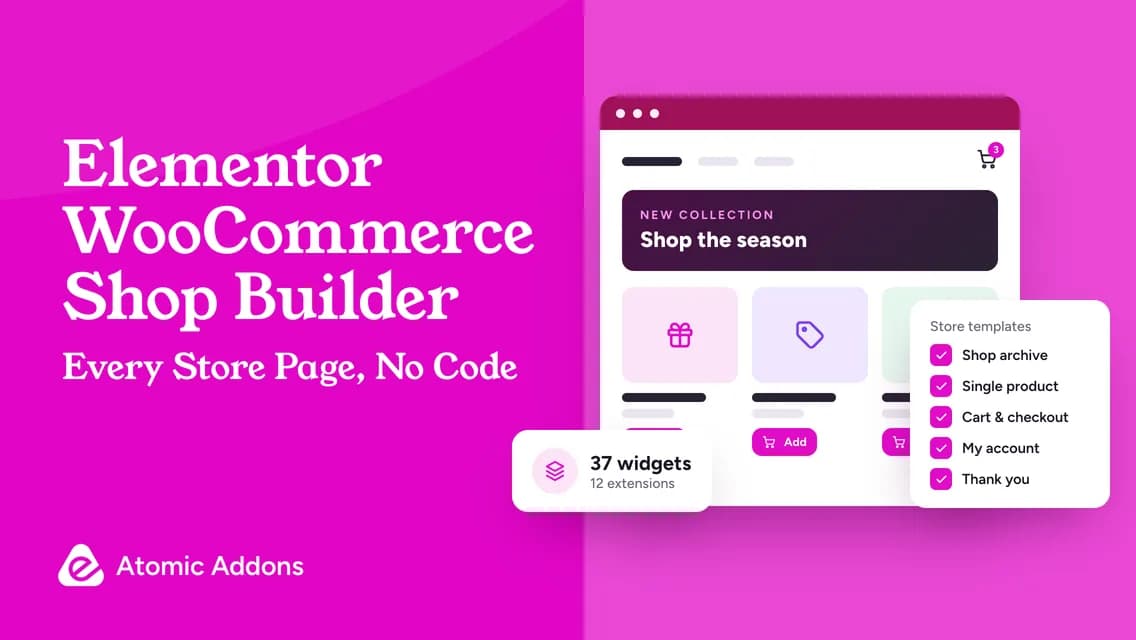
WooCommerce powers a huge number of online stores — the plugin reports more than 7 million active installs on WordPress.org — yet out of the box many of them look alike. A shop builder changes that. It lets you design the shop page, product pages, cart, checkout, account area and order confirmation in Elementor, with the same drag-and-drop control you have on your homepage.
Quick answer: Install Elementor, WooCommerce and Atomic Addons Pro. In Atomic Addons → Theme Builder, create the seven store templates — Products Archive, Single Product, Cart, Checkout, My Account, Orders and Thank You — and design each one with Atomic Addons’ 37 WooCommerce widgets. Then switch on the store features you need from the 12 WooCommerce extensions, such as Variation Swatches, Quick View and One Page Checkout.
What a WooCommerce shop builder actually does
A complete shop builder works in three layers. Templates decide which design each store page uses. Widgets decide what appears on the page. Extensions change how the store behaves. Atomic Addons Pro covers all three:
| Layer | What it controls | In Atomic Addons Pro |
|---|---|---|
| Templates | Which design the shop, product, cart, checkout and account pages use | 7 WooCommerce template types in the Theme Builder |
| Widgets | What each page shows: products, prices, filters, reviews, cart and checkout | 37 WooCommerce widgets |
| Extensions | How the store sells: swatches, wishlists, pricing rules, checkout and more | 12 WooCommerce extensions |

The seven store templates you can design
- Products Archive: the shop page and category pages. Combine Product Grid, Product Filters, Product Category and Sub Category widgets.
- Single Product: the product page. Build it piece by piece with Product Image, Product Title, Product Price, Add To Cart, Product Tabs, Product Reviews and Product Related, or start from the all-in-one Single Product Page widget.
- Cart: the Cart Page widget, with totals, shipping and stock validation, plus a Mini Cart widget for your header.
- Checkout: the Checkout Page widget, including the coupon field, order notes and notices.
- My Account: the My Account Page widget, with tabs for orders, addresses and account details and, when those extensions are on, Wishlist, Compare and Subscriptions.
- Orders: the Order Page widget for order details.
- Thank You: the Thank You Page widget, a Shopify-style order confirmation with messages that follow the order’s status.
Build order: from shop page to thank-you page
- Set up your Elementor kit first: global colors, fonts and button styles. The store widgets pick them up.
- Products Archive: design the product card once, set the grid columns for desktop, tablet and mobile, and add filters if you sell more than a few dozen products.
- Single Product: keep the price, variations and Add to Cart near the top on mobile, followed by the description, reviews and related products.
- Cart and Mini Cart: make totals, shipping and the checkout button impossible to miss.
- Checkout: keep it calm. Remove distractions, keep only the fields you need and show trust details near the payment step.
- My Account and Orders: match the rest of the store so returning customers feel at home.
- Thank You: confirm the order clearly and suggest one helpful next step.
37 WooCommerce widgets, grouped by job
| Job | Widgets |
|---|---|
| Show the catalog | Product Grid, Product Carousel, Product List, Product Table, Product Slider, Product Accordion, Product Category, Product Category Carousel, Sub Category, Sub Category Carousel, Product Filters |
| Sell the product | Single Product Page, Product Image, Product Image Accordion, Product Image Hotspot, Product Title, Product Price, Product Rating, Product Stock, Product Meta, Product Description, Additional Information, Product Tabs, Product Reviews, Product Review Carousel, Product Related, Add To Cart, Call For Price |
| Cart, checkout and account | Cart Page, Mini Cart, Checkout Page, My Account Page, Order Page, Thank You Page |
| Help shoppers decide | Compare Products, Wishlist Products, Product Recommendations |
12 extensions that change how the store sells
| Extension | What it solves |
|---|---|
| Variation Swatches | Replaces variation dropdowns with color, image, label or button swatches |
| Quick View | Lets shoppers preview a product in a modal without leaving the grid |
| Product Wishlist | Saves products for later, so interest turns into a return visit |
| Product Compare | Puts products side by side when specifications matter |
| Currency Switcher | Shows prices in shoppers’ currencies, with exchange-rate, fee and rounding controls |
| Checkout Field Editor | Adds, edits, reorders and validates checkout fields |
| One Page Checkout | Puts product selection and checkout on a single page |
| Role Based Pricing | Sets prices and visibility per user role, for wholesale or member pricing |
| Subscriptions | Sells products on recurring plans and manages renewals |
| Min / Max Quantities | Sets order-size rules for products and the cart |
| Sales Notifications | Shows recent-purchase notifications from real orders or chosen products |
| Hide Add to Cart and Price | Hides prices or buying for chosen products, roles or logged-out visitors |
Elementor Pro or Atomic Addons for WooCommerce?
Elementor’s own WooCommerce Builder is part of its Pro plans from Advanced Solo upward, listed at $84 a year for one site on elementor.com/pro at the time of writing; the entry-level Essential plan doesn’t include eCommerce features. Atomic Addons Pro includes the WooCommerce builder and all 12 store extensions on every plan, works with free Elementor and starts at $24 a year for one site — $12 with code OYOROXBF50 until November 30, 2026.
If you already run Elementor Pro, you don’t have to choose. Atomic Addons works alongside it, and many stores add it for store features Elementor Pro doesn’t offer, such as swatches, wishlists, compare tables and role-based pricing. Our Elementor Pro alternative guide compares the two in detail.
Before Black Friday traffic hits: a shop builder checklist
- Buy one product of every type you sell — simple, variable, subscription — on a real phone.
- Test coupons, including your Black Friday code, in the cart and at checkout.
- Check variations and stock: sold-out options, low stock and backorders.
- Exclude the cart, checkout and My Account pages from page caching.
- Run a payment in your gateway’s test mode and read the order emails.
- Look at the Thank You page for a paid order and for an order awaiting payment.
- Measure page speed for the shop page and a product page after your changes.
For the conversion side of the season, read our Black Friday WooCommerce playbook.
Frequently asked questions
What is the best WooCommerce builder for Elementor?
For stores that want design control and built-in store features in one plugin, Atomic Addons Pro is a strong choice: seven WooCommerce templates, 37 store widgets and 12 extensions, working with free Elementor, from $24 a year for one site ($12 with code OYOROXBF50 until November 30, 2026).
Can I customize WooCommerce product pages without Elementor Pro?
Yes. Atomic Addons Pro has its own Theme Builder with a Single Product template, and it runs on the free version of Elementor.
Can I build a WooCommerce store with free plugins only?
You can build a good-looking storefront with Elementor, WooCommerce and the free Atomic Addons plugin, using free widgets such as Price Grid and Price Carousel for hand-picked product cards. The WooCommerce templates, the 37 store widgets and the 12 store extensions are Pro.
Will a shop builder slow down my store?
It shouldn’t, if it loads only what each page uses. Atomic Addons loads widget CSS and JavaScript only on pages that use them, and its Assets Optimizer loads only the parts of the shared stylesheets a page needs. Measure your own pages, because hosting, images and other plugins matter too.
Does it work with my payment gateway?
The checkout you design is still WooCommerce’s checkout, so payments run through WooCommerce and your gateway as usual. Test each gateway in its test mode after changing the checkout design.
Can I design the order confirmation page?
Yes. The Thank You Page widget gives you an order confirmation with status-aware messages, placed in the Theme Builder’s Thank You template.
Make the store yours before the busiest week of the year
Shoppers notice a store that looks considered. With templates, widgets and extensions in one plugin, you can redesign the whole buying journey in Elementor without stitching together a dozen add-ons.
Get Atomic Addons Pro for $12 a year with code OYOROXBF50, or browse every WooCommerce extension.