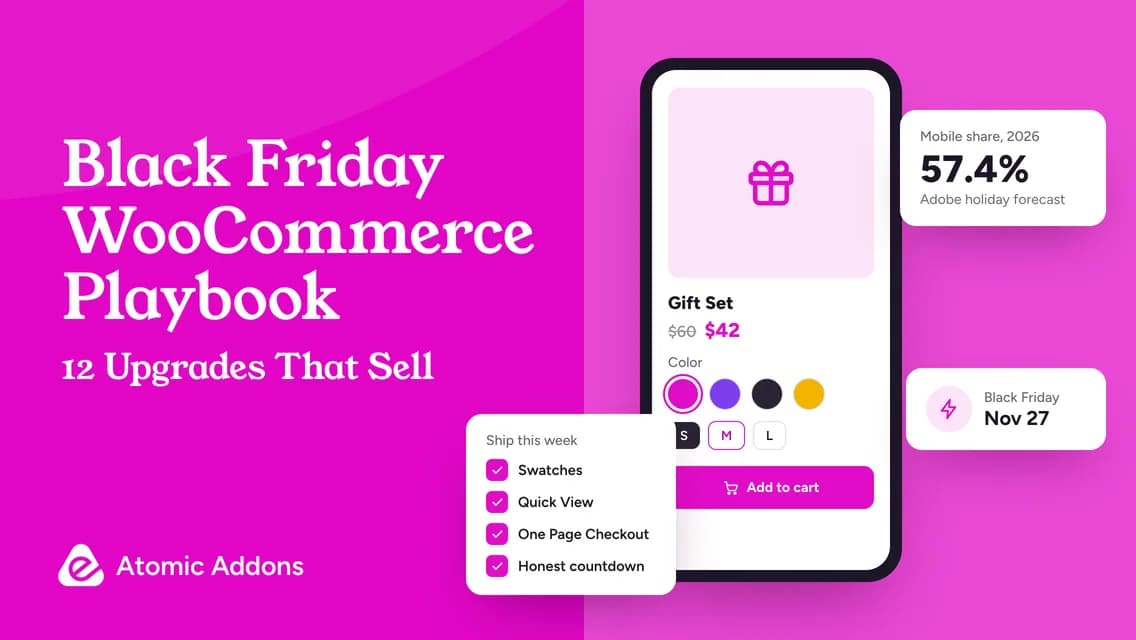
Adobe expects US shoppers to spend $275.1 billion online between November 1 and December 31, 2026, with $12.9 billion of it on Black Friday alone and $15.1 billion on Cyber Monday. It expects 57.4% of holiday sales to happen on phones, and visits from AI assistants to US retail sites to grow 130%. Your store doesn’t need more traffic tricks this month. It needs fewer reasons for ready-to-buy visitors to leave.
Quick answer: Fix the mobile buying path first. Make options tappable with swatches, let shoppers preview products without leaving the grid, shorten checkout, show honest urgency with a real deadline and real social proof from actual orders, raise order value with recommendations and quantity rules, and test everything on a phone before November 27.
The numbers behind the playbook
| US online sales | 2025 result | 2026 forecast |
|---|---|---|
| Holiday season, Nov 1 to Dec 31 | $257.8 billion | $275.1 billion (+6.7%) |
| Cyber Week, Thanksgiving to Cyber Monday | $44.2 billion | $47.5 billion (+7.4%) |
| Black Friday | $11.8 billion | $12.9 billion (+9.2%) |
| Cyber Monday | $14.25 billion | $15.1 billion (+6.2%) |
| Mobile share of holiday sales | 56.4% | 57.4% |
Two numbers matter most for a WooCommerce store. Most of your buyers will be on phones, so every extra tap costs sales. And AI assistants are becoming a real referral source: Adobe projects AI traffic to retail sites to rise 95% on Black Friday and 88% on Cyber Monday. Sources: Adobe’s Cyber Monday 2025 report and Digital Commerce 360’s summary of the 2026 forecast.
1. Make variations tappable with swatches
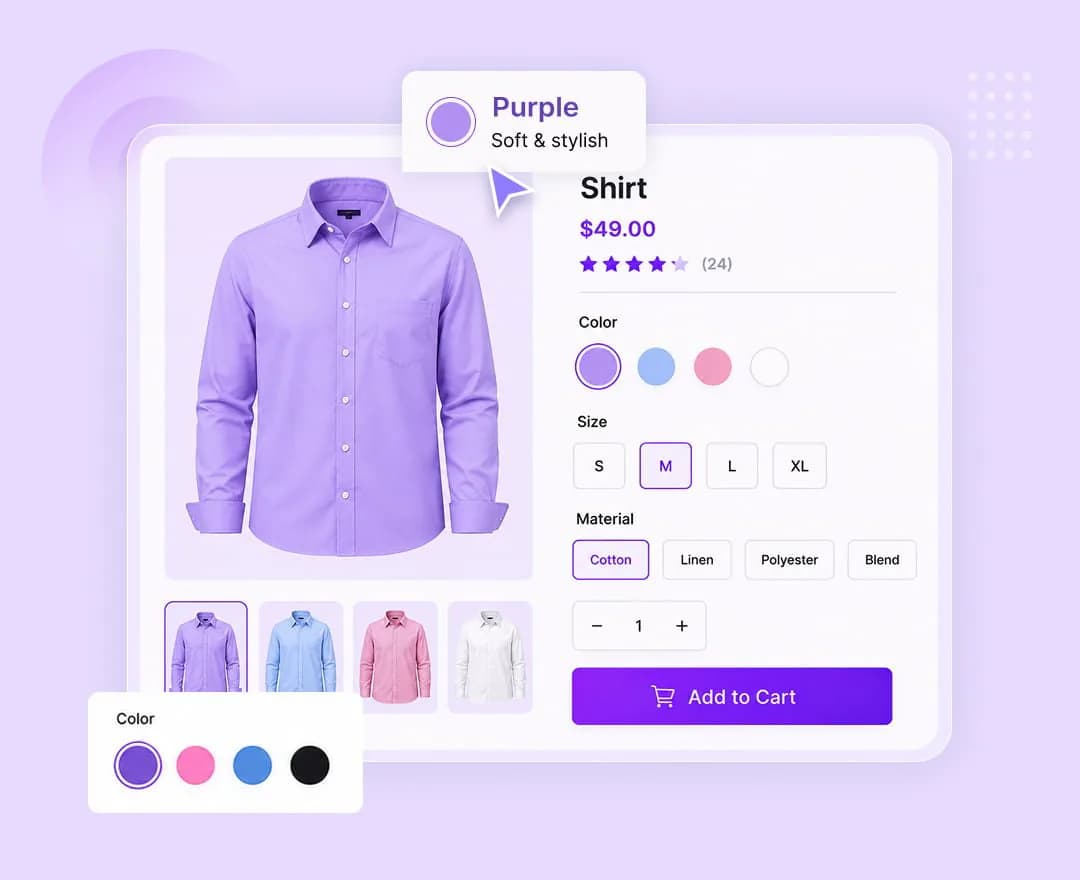
Dropdowns are slow on a phone and hide what’s available. Variation Swatches turns them into color, image, label or button swatches, so shoppers see every option at a glance. Make sure each swatch matches its variation and stays clear when color alone isn’t enough.
2. Let shoppers preview without leaving the grid
Every trip from the shop page to a product page and back is a chance to lose someone. Quick View opens a modal with the gallery, price and Add to Cart, so browsing a sale category stays fast.
3. Turn your sale page into a checkout
For a focused offer — a doorbuster, a bundle or a gift set — One Page Checkout puts product selection and checkout on the same page. Shoppers who arrive from an email or an ad go from offer to order without a detour through the cart.
4. Cut every checkout field you don’t need
Each field is a small reason to quit. With the Checkout Field Editor, remove fields you never use, reorder the rest and add validation where it prevents mistakes. Keep what you genuinely need to fulfil the order, then test with every payment gateway you offer.
5. Keep the cart one tap away
A Mini Cart in the header shows the item count and opens a cart drawer, so shoppers can keep browsing and still reach checkout in one tap. Pair it with a Cart Page that shows totals and shipping clearly.
6. Show a countdown that tells the truth
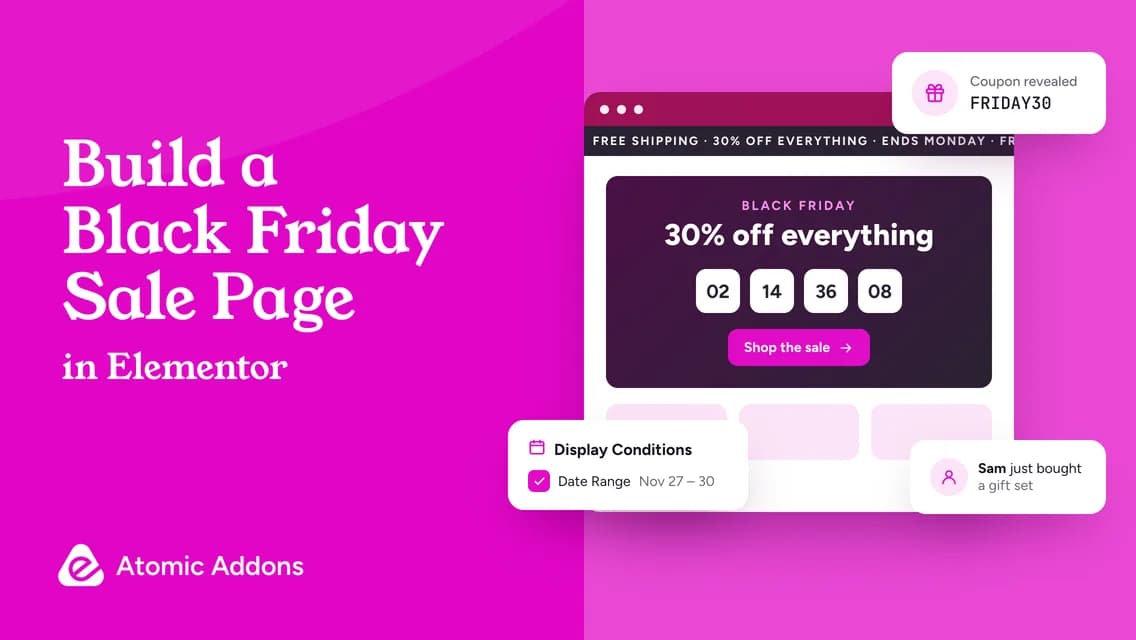
Urgency works when it is real. The free Countdown widget counts down to a date and time in your site’s timezone and, when time is up, can show a message, redirect, reveal a coupon or click a button. Set it to your actual end time. Avoid the evergreen loop mode for a fixed-date sale: it restarts for each visitor and is meant for rolling offers.
7. Use social proof from real orders
Sales Notifications shows recent-purchase popups from your actual orders or from products you choose. Keep the wording faithful to the source: a promoted product should never be presented as a real recent purchase. Honest proof builds trust, and invented proof erodes it.
8. Raise order value with recommendations
Product Recommendations adds upsells, cross-sells and frequently bought together products, and its automatic mode falls back to best sellers instead of showing nothing. After an item goes into the cart, a cart notification can suggest the next product while the shopper is still in a buying mood.
9. Set quantity rules for bundles and doorbusters
Min / Max Quantities sets minimum and maximum quantities for products and the cart. Require a minimum for bundle pricing, or cap a deeply discounted doorbuster at a few per order so more customers get one.
10. Reward VIPs and wholesale buyers
Role Based Pricing sets prices and visibility by user role. Give members or wholesale customers their own Black Friday prices, and use Display Conditions to show early-access banners only to logged-in customers with that role.
11. Welcome international shoppers in their currency
If you sell abroad, the Currency Switcher shows prices in your customers’ currencies with exchange-rate, fee and rounding controls. Confirm which currencies your payment gateway can actually charge before you promote them.
12. Capture intent with wishlists and compare
Many Black Friday shoppers research first and buy on the day. A Product Wishlist gives them a place to save products during the run-up, and Product Compare helps with considered purchases where specifications matter, such as electronics or furniture.
Bonus: get ready for AI-referred shoppers
When an AI assistant recommends products, it relies on what it can read about them. Give every product a clear title, a complete description, accurate attributes, real reviews and fast pages. Shoppers who arrive from an assistant are often ready to compare and buy, so clean product data helps you twice.
Your launch-week test plan
- Freeze big changes a few days before Black Friday, and test everything on staging first.
- On a real phone, buy a simple product, a variable product and a discounted bundle.
- Apply your Black Friday coupon in the cart and at checkout, and check how it combines with sale prices.
- Exclude the cart, checkout and My Account pages from page caching, and purge the cache when the sale starts and ends.
- Run a payment in each gateway’s test mode and read the order emails.
- Check stock levels and what shoppers see when a variation sells out.
- Write down how to roll back each change if something breaks during the sale.
Frequently asked questions
What are the best WooCommerce plugins for Black Friday?
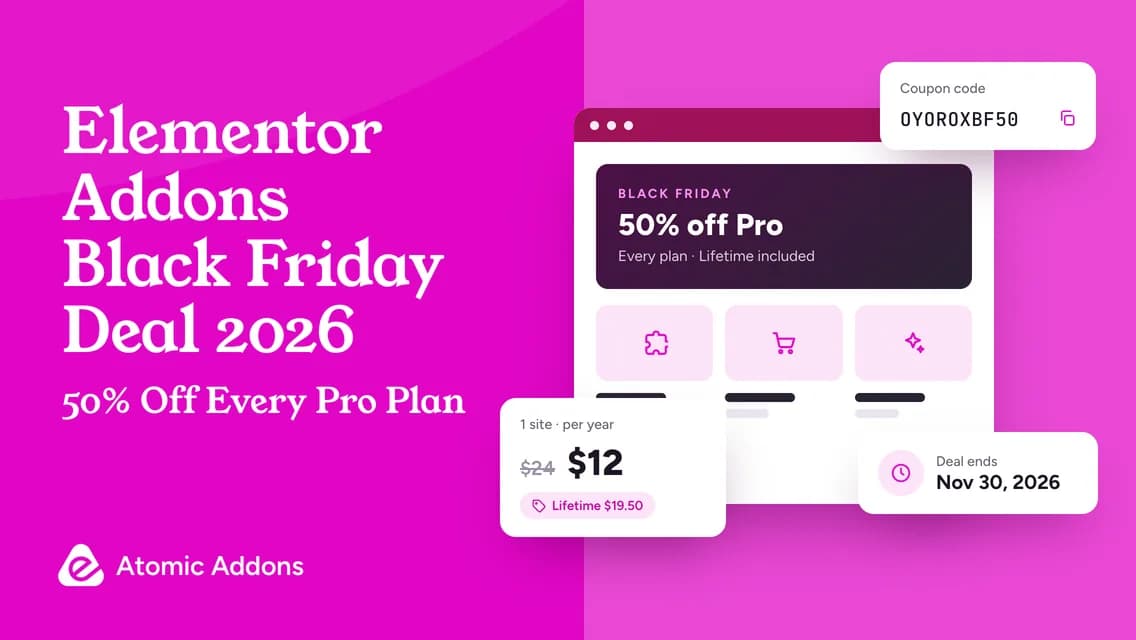
The features that matter most are swatches, quick view, a shorter checkout, honest urgency and social proof, recommendations and quantity rules. Atomic Addons Pro includes all of them — 12 WooCommerce extensions plus 37 store widgets — in one license, and it is 50% off with code OYOROXBF50 until November 30, 2026.
How do I add a countdown timer to my WooCommerce sale?
Add the free Atomic Addons Countdown widget to your sale page in Elementor and set the Due Date to your real end time. It uses your site’s timezone, and when time is up it can show a message, redirect to another page, reveal a coupon or click a button.
Are fake countdown timers and fake sales notifications allowed?
Avoid them. Regulators treat false urgency and invented activity as deceptive: the EU’s Unfair Commercial Practices Directive blacklists falsely claiming that an offer is available only for a very limited time, and the US Federal Trade Commission has warned against baseless countdown timers and fake activity messages. Use real deadlines and real orders.
Should I change my checkout right before Black Friday?
Make checkout changes early, test them on staging and on a real phone, then freeze them a few days before the sale. A small, tested improvement beats a big redesign launched the night before.
How many of my Black Friday shoppers will be on mobile?
Adobe forecasts that 57.4% of US online holiday sales in 2026 will happen on mobile devices, up from 56.4% in 2025, and 63% on Thanksgiving Day. Expect most of your traffic to be on phones and design for that first.
Ship the upgrades that pay for themselves
You don’t need all twelve. Pick the three that fix your store’s biggest leaks — usually swatches, a shorter checkout and an honest countdown — and ship them this week. Then test like a customer.
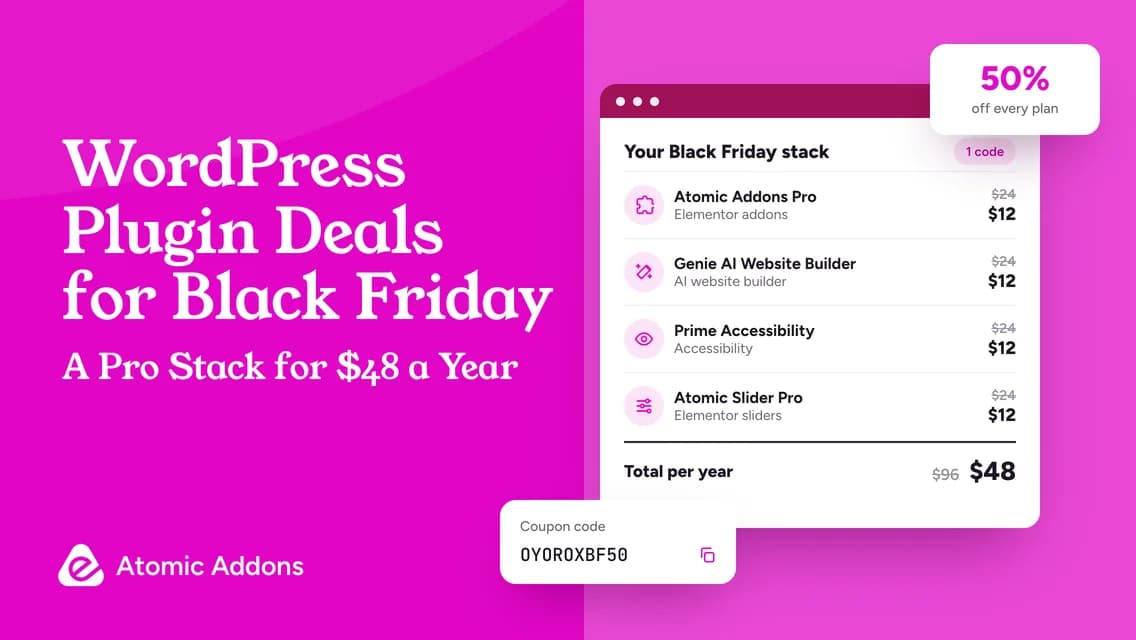
Every upgrade here is part of Atomic Addons Pro, 50% off with code OYOROXBF50 until November 30, 2026. For the page itself, follow our guide to building a Black Friday sale page in Elementor.