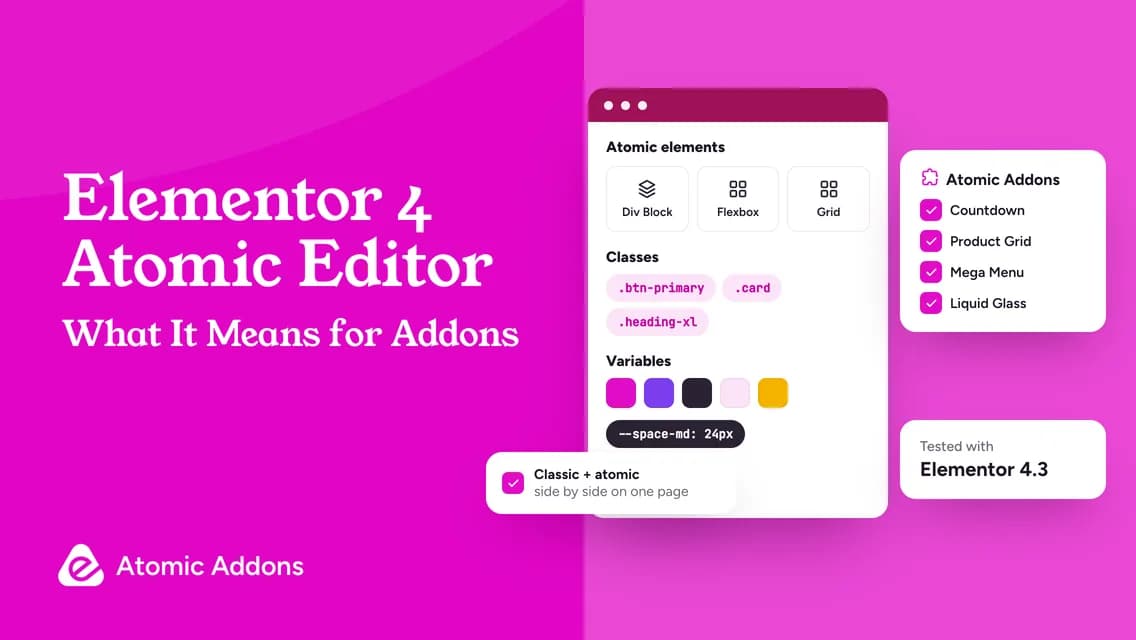
Elementor 4 is the biggest change to the editor since containers replaced sections and columns. It introduces a new generation of “atomic” elements, styled with reusable Classes and Variables instead of one-off settings on every widget. If you build sites with Elementor and a stack of addons, the obvious questions are: what actually changes, will my addons still work, and should I rebuild anything?
Quick answer: Elementor 4’s Atomic Editor adds lightweight atomic elements styled with reusable Classes and design-token Variables, plus Components and, since version 4.2, a CSS Grid element and Atomic Loops. Classic widgets, including addon widgets, keep working alongside them, so you can adopt atomic elements gradually. Atomic Addons 1.9.0 is tested with Elementor 4.3.
What’s new in Elementor 4, in five ideas
| Idea | What it is | Why it matters |
|---|---|---|
| Atomic elements | A new set of base elements, such as Div Block and Flexbox, built for the new styling system | Cleaner markup and consistent styling |
| Classes | Reusable named styles, local or global, that you apply to elements | Change a button style once and every button follows |
| Variables | Design tokens for colors, fonts and sizes | Rebrand by changing a value instead of editing hundreds of widgets |
| Components | Reusable building blocks with properties you can expose | A real design system inside Elementor |
| Grid and Loops | A CSS Grid element and atomic loop containers for dynamic content, added in 4.2 | Modern layouts and dynamic listings inside the atomic system |
As of October 2026, the current Elementor release on WordPress.org is 4.3.5, and the plugin reports more than 10 million active installs. Elementor introduced Grid and Loops in the 4.2 beta in June 2026, with native support for Classes, Variables and Components.
Do Elementor addons still work in Elementor 4?
Yes. Classic widgets — Elementor’s own and those from addons — keep working next to the new atomic elements, and you can mix both on the same page. The atomic system is designed to be adopted gradually, one section or one component at a time, rather than forcing a rebuild.
What doesn’t happen automatically is the styling bridge. Atomic elements use Classes and Variables, while classic addon widgets keep their own style controls. Keep your brand colors and fonts in your kit’s global settings, which Elementor has been adding ways to sync with Variables, so both kinds of element stay on brand.
How Atomic Addons fits into an Elementor 4 site
- Version 1.9.0 is tested with Elementor 4.3 and WordPress 7.1.
- Its 162 widgets sit in their own Atomic Addons categories in the Elementor panel, next to Elementor’s atomic elements, and work inside containers like any classic widget.
- Its MCP server reads your kit’s global colors, fonts and spacing, so AI-built layouts follow your design system.
- Right-to-left layouts now come from the main stylesheets through CSS logical properties, which suits multilingual sites.
- Widget CSS and JavaScript load only where they are used, and the Assets Optimizer trims shared styles per page.
- The core widgets support keyboard use and reduced motion.
Atomic Addons vs Elementor’s atomic elements: not the same thing
The names overlap, so it’s worth being clear. Elementor’s panel now shows a category called Atomic Elements for its own V4 elements, such as Div Block and Flexbox. Atomic Addons is a separate, independent addon plugin by Oyorox; its WordPress.org address still uses the slug atomic-elements from the product’s original name. Atomic Addons is not made or endorsed by Elementor, and the two work side by side: Elementor’s atomic elements for layout and styling, Atomic Addons for the widgets, store features and extensions Elementor doesn’t include.
A practical migration plan for 2026
- Copy the site to staging, and update Elementor and your addons there first.
- Define Variables for your brand colors, fonts and spacing.
- Turn repeated styles — buttons, cards, headings — into global Classes.
- Build new sections with atomic elements where they shine: layout, grids and repeated components.
- Keep addon widgets for what atomic elements don’t cover: mega menus, WooCommerce templates, post grids, countdowns, product filters and effects.
- Check the tablet and mobile views, then measure page speed before and after.
- Move page by page. There is no prize for converting everything at once.
Where addons still win
Atomic elements are a better foundation for layout and styling. Most of what agencies install addons for sits on top of that foundation, and in 2026 it is still addon territory:
- WooCommerce shop building: seven store templates, 37 store widgets and 12 store extensions in Atomic Addons Pro. See our shop builder guide.
- Marketing widgets such as Countdown, Google Reviews and Social Proof, free since Atomic Addons 1.8.0.
- Design extensions such as Liquid Glass Effects, Parallax, Particles and Cursor Effects.
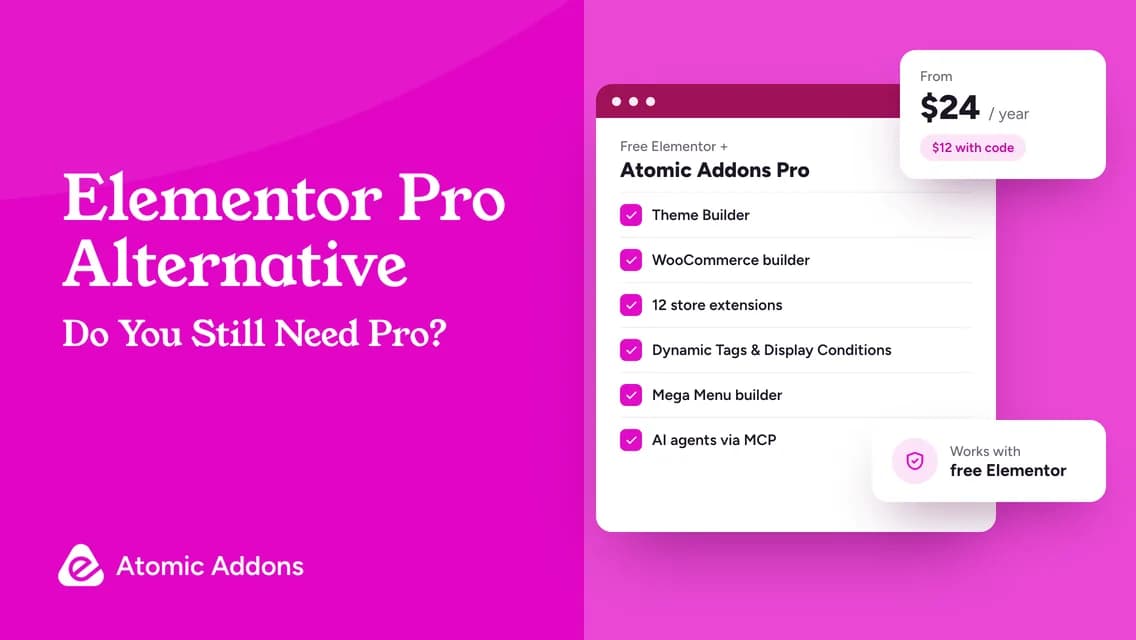
- A Theme Builder, Dynamic Tags and Display Conditions that work on free Elementor.
- AI page building over MCP with Atomic Addons widgets, included in the free plugin.
Frequently asked questions
Is Elementor 4 stable?
Elementor 4.3.5 is the current release on WordPress.org as of October 2026. Elementor ships some atomic features as betas first, as it did with Grid and Loops in 4.2, so test new features on staging before you rely on them.
Will Elementor 4 break my addon widgets?
Classic widgets keep working in Elementor 4. As with any major update, update on staging first, check your key pages and read each addon’s compatibility notes.
Is Atomic Addons compatible with Elementor 4?
Yes. Atomic Addons 1.9.0 is tested with Elementor 4.3, and its widgets work alongside Elementor’s atomic elements on the same page.
Is Atomic Addons made by Elementor?
No. Atomic Addons is an independent product by Oyorox and does not represent Elementor. Elementor’s own “Atomic Elements” are something else: the new V4 elements in Elementor’s panel.
Should I rebuild my site with atomic elements?
Not all at once. Start using Variables and Classes for new work, convert repeated components when you next touch them, and keep classic and addon widgets where they do the job.
Build on the new Elementor with the right toolkit
Elementor 4 gives you a cleaner foundation. Atomic Addons gives you what goes on top of it: the store, the widgets, the effects and the AI tools.
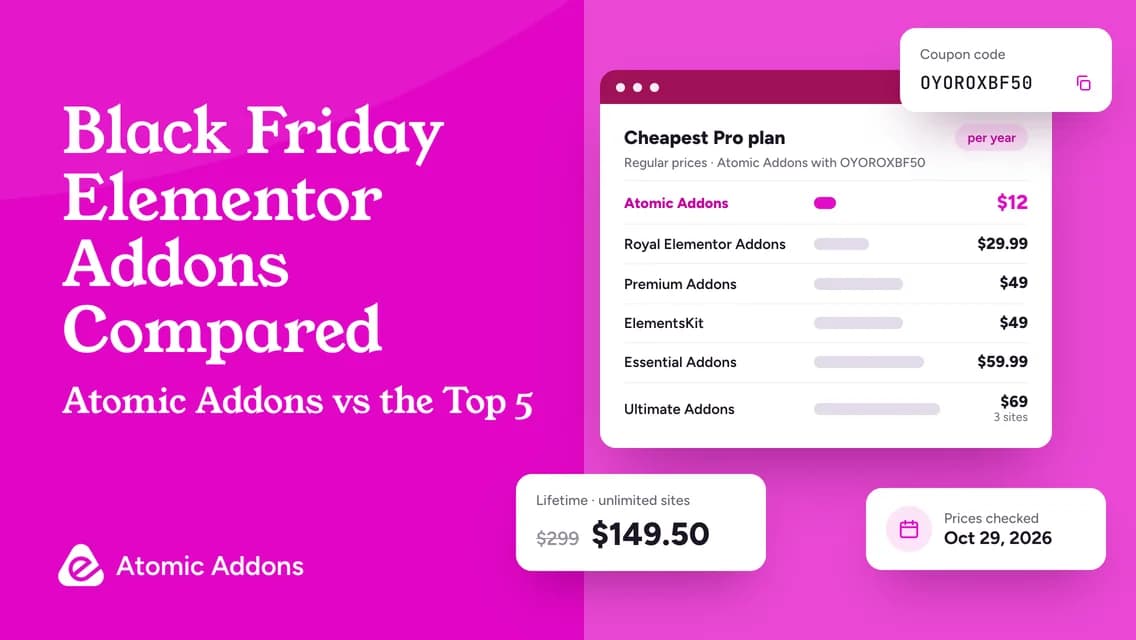
Try the free plugin, or get Atomic Addons Pro 50% off with code OYOROXBF50 until November 30, 2026.