Finding useful WordPress Black Friday deals can take longer than expected. One offer covers design tools, another covers site management, and the biggest percentage does not always tell you which product will solve your problem.
Buying without a clear plan can leave you with overlapping plugins, unused licenses, and a renewal bill you did not consider. A discounted tool still costs money and time if it does not fit your website or the way you work.
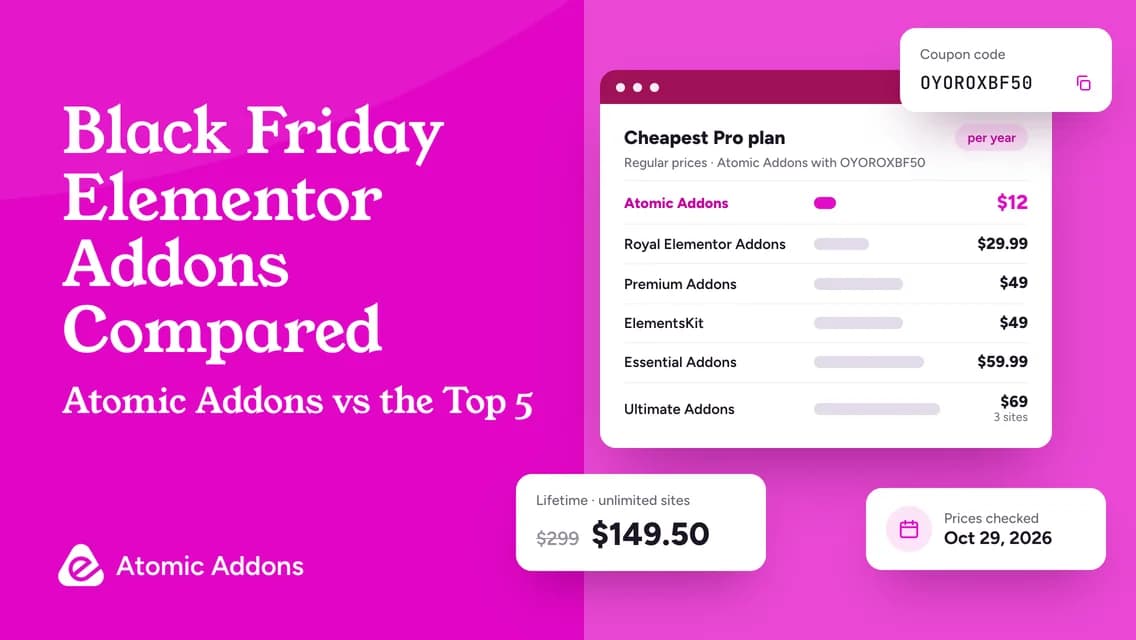
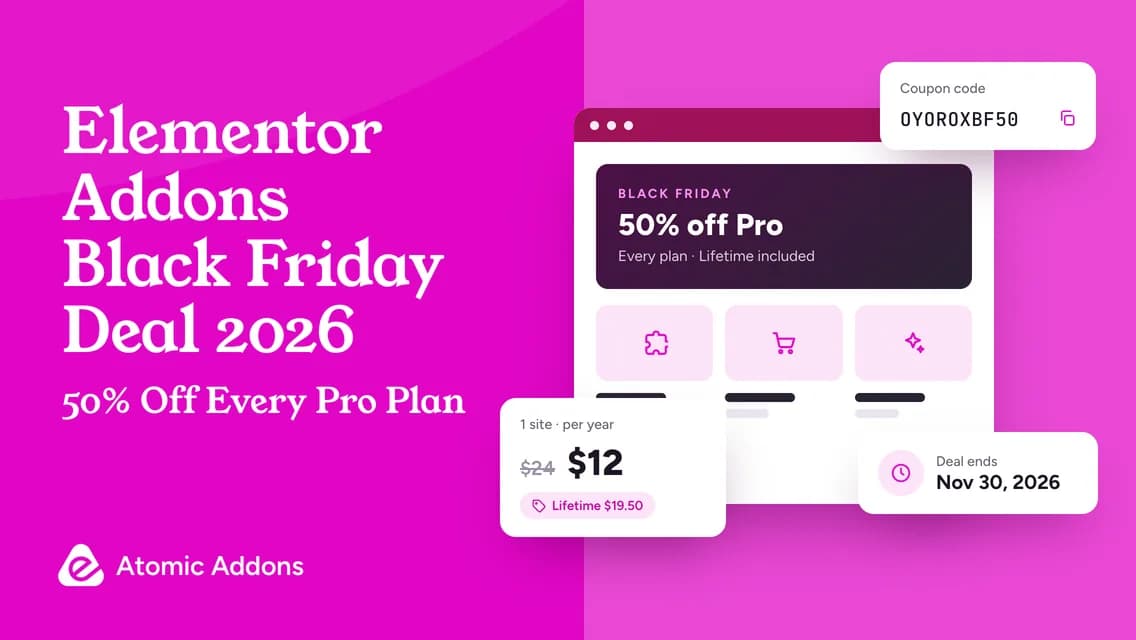
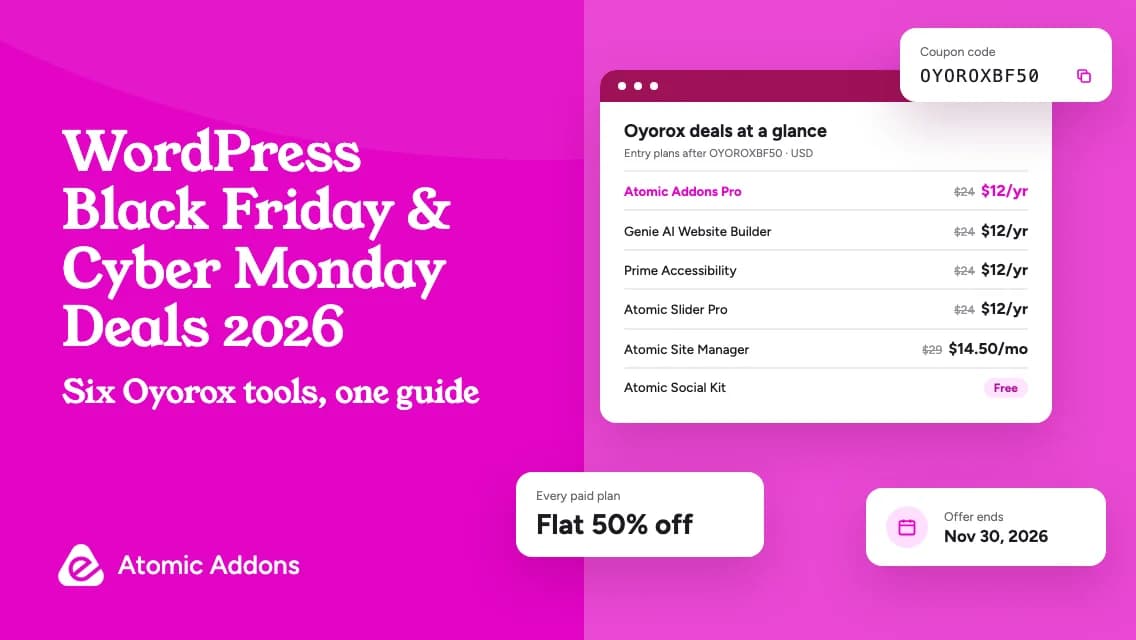
This guide brings the Oyorox product family into one place so you can compare each option by purpose. The published campaign offers 50% off eligible paid plans with code OYOROXBF50, while Atomic Social Kit is available as a free download. You will find the six products below, along with practical buying advice and a checklist for choosing the right plan. Check the current WordPress plugin deals before purchasing.
Oyorox WordPress Plugin Deals at a Glance
The Oyorox product directory lists six standalone products. The WooCommerce Toolkit is included under Atomic Addons, so it is covered in that section rather than presented as a seventh purchase.
| Product | Main purpose | Published campaign offer | Official details |
|---|---|---|---|
| Atomic Addons | Elementor design, templates, dynamic content, and WooCommerce tools | Flat 50% Off | Atomic Addons |
| Genie AI Website Builder | AI-assisted website and page creation | Flat 50% Off | Genie product page |
| Prime Accessibility | Visitor accessibility controls and accessibility checking | Flat 50% Off | Prime Accessibility |
| Atomic Slider | Responsive sliders for Elementor projects | Flat 50% Off | Atomic Slider product page |
| Atomic Social Kit | Supported social feeds and reviews in WordPress | Free Download | Atomic Social Kit product page |
| Atomic Site Manager | A central workspace for managing multiple WordPress sites | Flat 50% Off | Atomic Site Manager product page |
These are individual products with different purposes. Buying several of them does not automatically create a bundle, and the free plugin is not a temporary percentage discount. Compare the relevant edition and website allowance before making your shortlist.
Published starting-price examples
The official campaign page shows these examples for the specified plans. They are not identical license types, so compare the billing period and site limit as well as the price.
| Product and example plan | Regular price shown | Campaign price shown |
|---|---|---|
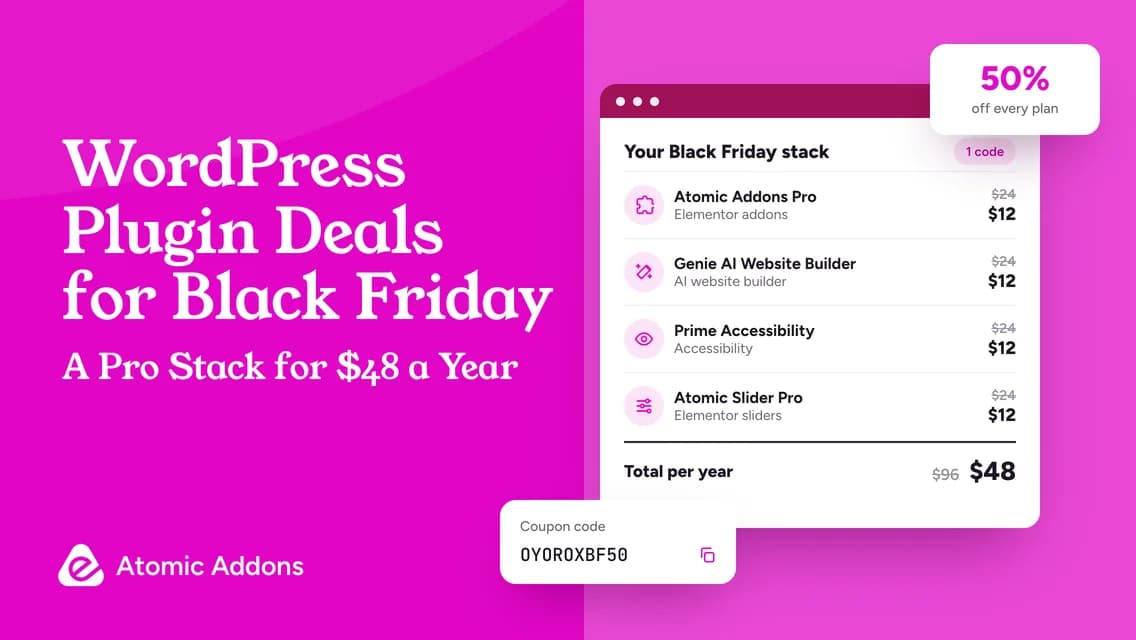
| Atomic Addons Pro, 1 site, yearly | $24/year | $12/year |
| Genie Pro, 1 site, yearly | $24/year | $12/year |
| Prime Accessibility Pro, 1 site, yearly | $24/year | $12/year |
| Atomic Slider Pro, 1 site, yearly | $24/year | $12/year |
| Atomic Site Manager Starter, up to 25 sites, monthly | $29/month | $14.50/month |
| Atomic Social Kit, free download | $0 | $0 |
Amounts are in USD. Confirm applicable taxes, plan eligibility, and renewal conditions at checkout. The free download is included for completeness; it is not a discounted paid license.
Black Friday and Cyber Monday Campaign Details
The official Oyorox deals page publishes the following campaign information:
| Detail | Published terms |
|---|---|
| Coupon | OYOROXBF50 |
| Discount | 50% off eligible paid plans |
| Campaign window | October 16 through November 30, 2026 |
| Closing time | 11:59 PM Asia/Dhaka, on November 30 |
| Billing options advertised | Monthly, yearly, and lifetime |
| Usage limit advertised | One use per customer, per product |
| Free product | Atomic Social Kit |
The campaign also mentions first payments and renewals. Review how that applies to your selected license and account at checkout; do not assume a discounted renewal price will apply indefinitely. This article records published offers rather than a completed test purchase.
Keep the offer page open while comparing products. The amount shown at checkout, the included features, and the license terms should match the purchase you intend to make. Save the order confirmation and offer details with your website records.
1. Atomic Addons for Elementor Design and WooCommerce
Atomic Addons brings Elementor addon, widgets, design extensions, templates, dynamic features, and WooCommerce tools into one product family. Its premium capabilities include theme building, dynamic content controls, and store design tools. You can review the available editions on the official Atomic Addons product page.
Best suited to: Freelancers, Elementor users, agencies, and store owners who need several related design capabilities across a website.
Features to review
- Elementor widgets: Add reusable interface and content elements to page layouts.
- Template Library: Start from prepared layouts and adapt them to your content.
- Live Copy Paste: Reuse supported Elementor designs between pages or websites.
- Theme Builder: Create templates for site areas and content types with supported premium tools.
- Dynamic features: Connect templates to changing content and apply display conditions.
- WooCommerce tools: Work on store layouts and add shopping functionality.
Included WooCommerce Toolkit
Store owners should also review the WooCommerce extensions within Atomic Addons. The product listing includes:
- Variation Swatches: Present supported product options visually.
- One Page Checkout: Bring product selection and checkout into a focused purchase flow.
- Product Wishlist: Let customers save items for later consideration.
- Checkout Field Editor: Adjust the information requested during checkout.
- Currency Switcher: Offer supported currency-selection functionality.
- Product Compare: Help customers compare product choices.
- Quick View: Show product information without a full page transition.
- Role Based Pricing: Apply pricing rules for different customer roles.
- Subscriptions: Support recurring-purchase workflows.
- Hide Add to Cart and Price: Control purchasing and price visibility.
- Min / Max Quantities: Set quantity rules for orders or products.
- Sales Notifications: Display supported purchase-notification messages.
- Product Recommendations: Present additional relevant products.
Deal: Eligible paid plans are included in the campaign.
Next step: Compare Atomic Addons offers.
2. Genie AI Website Builder for AI-Assisted Page Creation
Genie AI Website Builder lets you design WordPress pages visually or with help from a compatible AI agent. It uses HTML and CSS and includes dynamic content, responsive controls, and reusable elements. Pro adds the Theme Builder for headers, footers, and other site templates.
Best suited to: Creators who want visual editing with optional AI assistance.
Features to review
- Visual editing: Create and adjust pages without requiring an AI connection.
- HTML and CSS output: Keep page structure in a portable format.
- Optional AI connection: Connect a compatible agent through MCP when you want conversational assistance.
- Dynamic content: Work with post data, custom fields, and query loops.
- Responsive controls: Adjust layouts for different screen sizes.
- Pro Theme Builder: Create conditional site templates with the paid edition.
Deal: Included among the campaign’s eligible paid products.
Next step: Review Genie AI Website Builder.
3. Prime Accessibility for Visitor Controls and Accessibility Workflows
Prime Accessibility provides visitor-facing controls alongside tools for checking and managing accessibility work. Its official website describes features such as text and contrast adjustments, accessibility profiles, an on-page checker, and reporting. The Prime Accessibility website currently presents a premium product with a trial.
Best suited to: Site owners who want accessibility-related controls and a more organized process for identifying and addressing issues.
Features to review
- Visitor controls: Offer supported reading and display adjustments.
- Profiles and configuration: Configure available accessibility preferences.
- On-page checking: Review issues surfaced by the checking tools.
- Reporting and tracking: Organize findings and follow up on fixes.
Deal: Included among the eligible paid products.
Next step: Review Prime Accessibility features and plans.
4. Atomic Slider for Elementor Sliders and Visual Content
Atomic Slider adds responsive slider widgets to Elementor. Display posts, WooCommerce products, images, and videos in slider layouts, or create a hero section with calls to action. Free and Pro editions offer different slider designs.
Best suited to: Elementor creators who need a dedicated presentation area for selected content or promotions.
Features to review
- Dynamic content sliders: Present posts, products, or supported custom post types.
- Product sliders: Create visual presentations for WooCommerce products.
- Image and video sliders: Organize media into a slider layout.
- Hero sliders: Combine a large visual area with calls to action.
- Responsive layouts: Adapt the presentation across screen sizes.
- Free and Pro designs: Compare the included designs before choosing an edition.
Deal: Eligible paid plans are included; review free-versus-paid features separately.
Next step: Compare Atomic Slider options.
5. Atomic Social Kit for Social Feeds in WordPress
Atomic Social Kit displays Facebook posts, Instagram Business or Creator media, and Facebook reviews on WordPress websites. Its Gutenberg blocks include layout and styling controls to match your site. The plugin is available as a free download.
Best suited to: Businesses and creators who already maintain relevant social content and want to make it available on their website.
Features to review
- Facebook feeds: Display supported page posts in configurable layouts.
- Instagram feeds: Present supported Business or Creator account media.
- Social reviews: Display supported Facebook reviews.
- Gutenberg blocks: Add and style the content in the WordPress block editor.
- Layout controls: Review the available grid, masonry, list, and carousel options.
- Account connection: Prepare the required Facebook API credentials before setup.
Offer: Free download; no paid discount needs to be claimed for the free plugin.
Next step: See Atomic Social Kit.
6. Atomic Site Manager for Multiple WordPress Websites
Atomic Site Manager brings multiple WordPress websites into one dashboard through a connector plugin. Manage updates, backups, configuration snapshots, and site health from a central workspace. It also includes tools for supported user and role tasks.
Best suited to: Freelancers, agencies, and business owners responsible for more than one WordPress site.
Features to review
- Central dashboard: Connect sites through a WordPress connector plugin.
- Updates and inventory: Review supported plugin, theme, and WordPress maintenance actions.
- Backups and restoration: Manage supported database and uploads backups stored on your server.
- Configuration snapshots: Record settings before changes and compare them afterward.
- Health monitoring: Review reported site status and pending work.
- User management: Handle supported user and role tasks across connected sites.
Deal: Included among the campaign’s eligible paid products.
Next step: Review Atomic Site Manager.
How to Choose the Right WordPress Black Friday Deal
The best WordPress plugin deals are the ones that fit work you already need to do. Use the following examples to narrow your shortlist, then check the exact edition and license. These are suggested workflows, not advertised product bundles.
For an Elementor website redesign
Start by listing the page types and templates you need. Review Atomic Addons for the broader design work, then consider Atomic Slider only if a dedicated slider is part of the brief. This keeps your decision tied to the final website rather than a feature count.
For a WooCommerce store
Identify the shopping problem first. Customers comparing similar products may need comparison tools, while customers selecting sizes or colors may benefit from clearer variation choices. Review the relevant Atomic Addons tools and test them against your catalog instead of activating every extension.
For a new website concept
Prepare your content outline and audience brief before exploring Genie. Decide what a useful first version must contain, then evaluate how much editing it needs. This gives you a repeatable test for AI-assisted creation.
For ongoing client work
Separate design, accessibility review, and maintenance responsibilities. An agency might evaluate Atomic Addons, Prime Accessibility, and Atomic Site Manager for different parts of its service. Buy only the products your process can support and your team will use.
A Practical Checklist Before You Buy
Copy this checklist into your project notes before claiming a WordPress Cyber Monday deal:
- Problem: What specific task or limitation will this product address?
- Edition: Are the features I need included in the selected plan?
- Website allowance: How many sites can I use it on?
- Billing: Is this monthly, yearly, or lifetime, and what do those terms include?
- Renewal: What amount and conditions apply after the initial purchase?
- Setup: What other software, accounts, or permissions are required?
- Compatibility: Have I tested the relevant workflow on a staging site?
- Support: Where will I get help, and what does my license cover?
- Refund terms: Have I read the current policy for this product?
- Checkout: Does the final total reflect the offer I intended to claim?
For a simple budget comparison, record the purchase cost, expected renewal cost, number of websites, and setup time for each shortlisted option. Avoid comparing a single-site annual plan with a multi-site lifetime plan as though the percentages tell the whole story.
How to Claim the Oyorox Offer
- Open the official deal page and review the current terms.
- Choose the product that matches your project.
- Select the appropriate edition, website allowance, and billing option.
- Enter the published coupon where the checkout provides a coupon field.
- Confirm that the discount is applied to the intended purchase.
- Review the total, renewal information, and product-specific terms before paying.
- Save the confirmation and test the product in your normal staging workflow.
If the expected discount does not appear, pause the purchase and contact official support with the selected product and plan. Do not assume an old screenshot or copied coupon overrides the live checkout terms.
Frequently Asked Questions
What are the best WordPress Black Friday deals from Oyorox?
The right choice depends on your project. Atomic Addons serves Elementor and WooCommerce work, Genie supports AI-assisted creation, Prime Accessibility supports accessibility workflows, Atomic Slider handles slider projects, and Atomic Site Manager supports multi-site work. Atomic Social Kit is the free social-content option. Compare the product’s purpose before its discount.
What is the Oyorox Black Friday coupon code?
The published campaign code is OYOROXBF50. Open the official deal page before purchasing to confirm it is still available and applies to your chosen plan. Check that the checkout total changes as expected, and keep a copy of the purchase confirmation and terms.
When do these Black Friday and Cyber Monday deals end?
The advertised window ends on November 30, 2026, at 11:59 PM Asia/Dhaka. Use that timezone when planning your purchase. If you are reading this article after the campaign, visit the current offer page rather than assuming the same code or discount remains available.
Are all six Oyorox products discounted?
No. The campaign names five paid products for the promotion. Atomic Social Kit is presented as a free download. Including it in this guide helps you compare the complete product family, but it should not be described as a paid product temporarily reduced by half.
Is the WooCommerce Toolkit a separate product?
The toolkit is presented within Atomic Addons. Review its included extensions and plan requirements as part of that product. It is covered separately within this article to help store owners evaluate the shopping features, but it is not listed as an additional standalone purchase or a separate bundle.
Should I choose a yearly or lifetime plan?
Compare the available plans against how long you expect to use the product and the number of websites you manage. Read what support and updates each license includes. A lifetime label does not remove the need to understand the terms, and a lower first payment may not be the lowest long-term cost.
Does Prime Accessibility guarantee an accessible website?
No plugin can guarantee that every part of a website is accessible. Prime Accessibility offers tools that can support adjustments and issue review. Pair those tools with testing and repairs to the underlying content, design, and code, including the important journeys your visitors need to complete.
Can I use these products on client websites?
Check the website allowance and license terms for the specific product and plan. Do not assume a purchase covers unlimited client installations. Agencies should also decide who owns the license, who receives account notices, and what happens when a client website is handed over or leaves a maintenance service.
Do I need every Oyorox product for one website?
No. Each product has a different purpose, and your website may only need one or two. Start with a task list, check what your existing tools already provide, and test the gaps. Buying the entire product family only makes sense when those products have a defined place in your workflow.
How should I compare WordPress plugin deals fairly?
Compare matching website limits, included features, billing periods, and renewal conditions. Add setup and maintenance effort to the decision. A discount is useful when the product solves a real problem and fits your website; a larger percentage alone does not make an offer better value.
Choose a Deal That Solves a Real Website Problem
A long list of WordPress Black Friday deals can make choosing harder. When every offer competes for attention, it is easy to focus on the percentage and lose sight of the work your website actually needs.
That can lead to unnecessary purchases and a more complicated setup. The better starting point is a clear project: a store that needs easier product choices, an Elementor site that needs reusable layouts, or a client portfolio that needs a more organized maintenance process.
Use this guide to shortlist the relevant Oyorox products, test their fit, and review the license details. Then visit the Atomic Addons deals page to confirm the current offer and choose the plan that supports your next project.